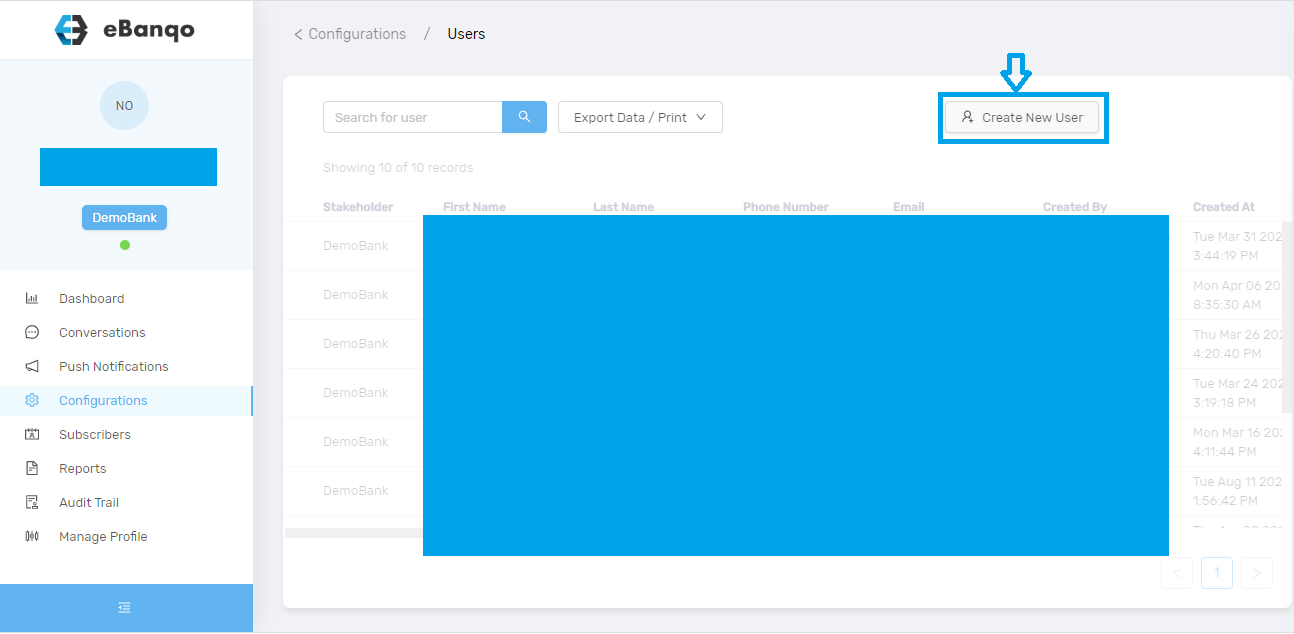
To create a new user, go to Configurations > Users. Click on the button Create New User.
Once you click on Create New User, a modal appears.
Complete the fields and click on Create New User.
Getting Started with eBanqo
How to manage working hours
eBanqo Definitions
How to set up your bot
How to configure knowledgebase
Ticketing