


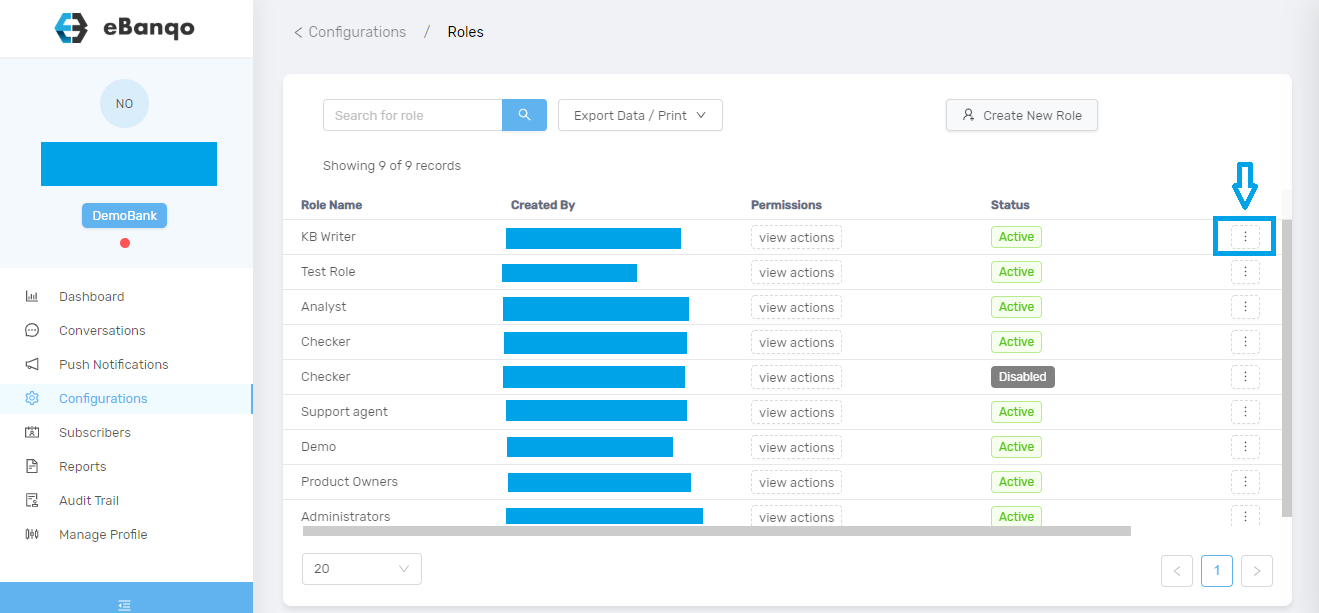
In your account, go to Configurations > Roles. Using the slider, scroll to the right and click on the three dots beside the role you want to edit.
Once you do that, a modal appears.
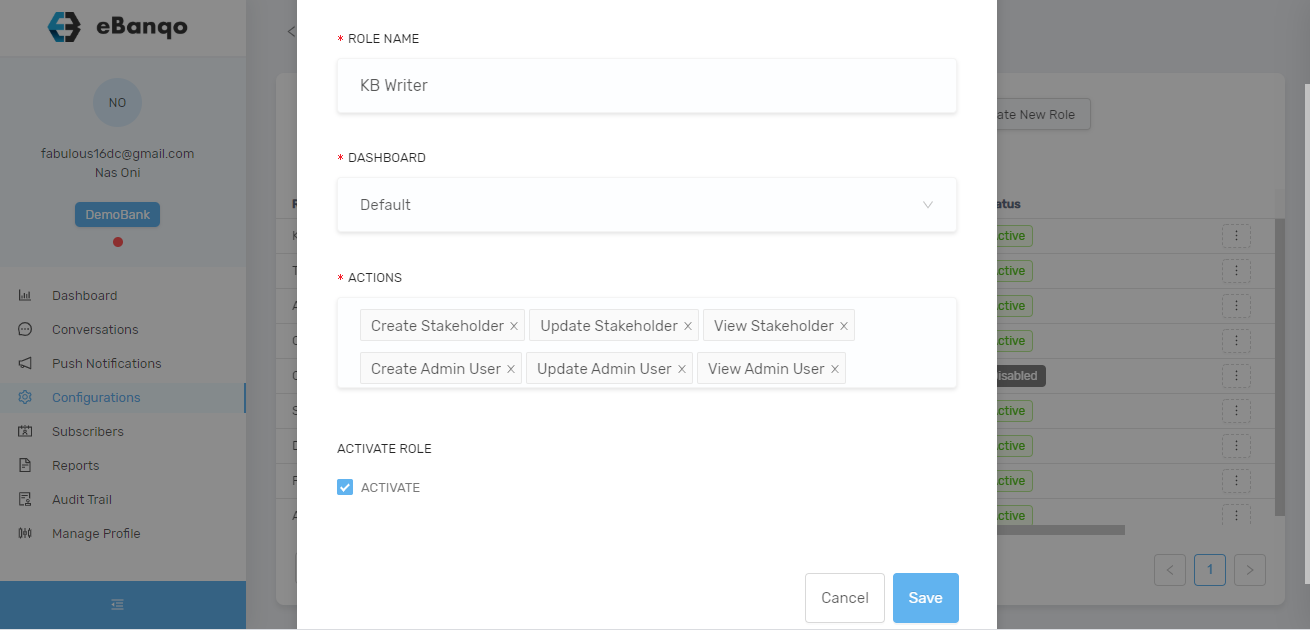
You can rename the role, change dashboard, add or remove actions. To add a new action, click on the space. A list of permissions or actions appears.
Select all that apply and click Save.
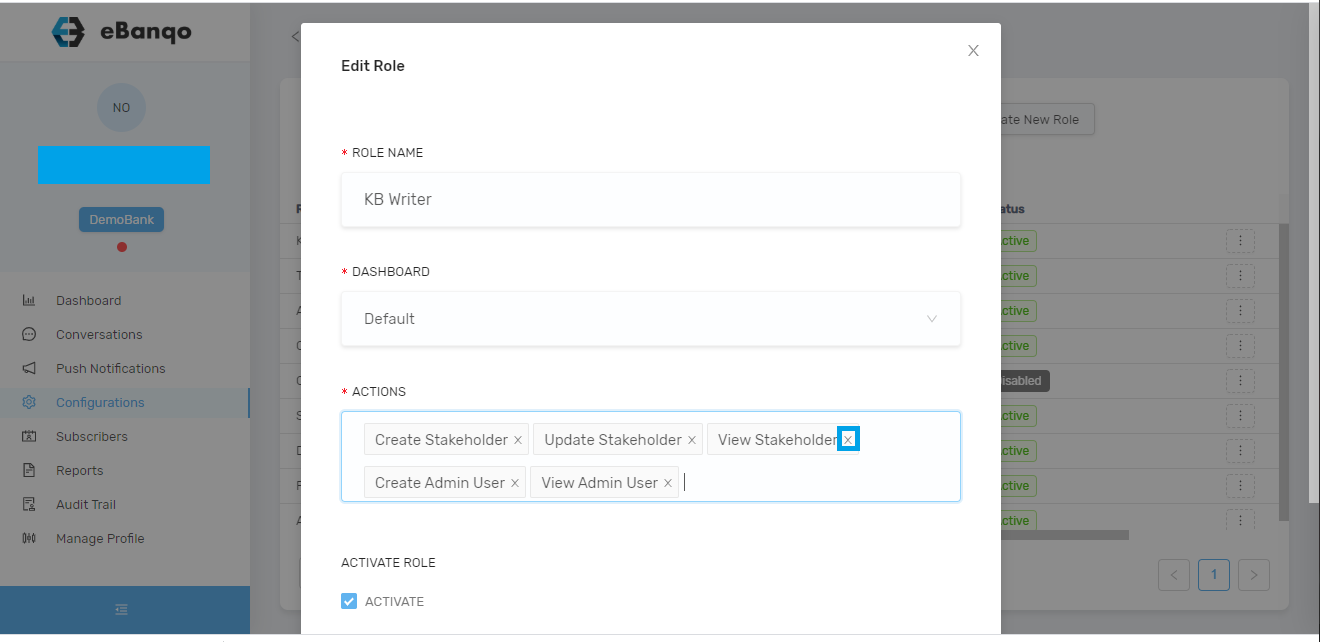
To remove an action or permission, click the x beside any action or permission you want to remove.
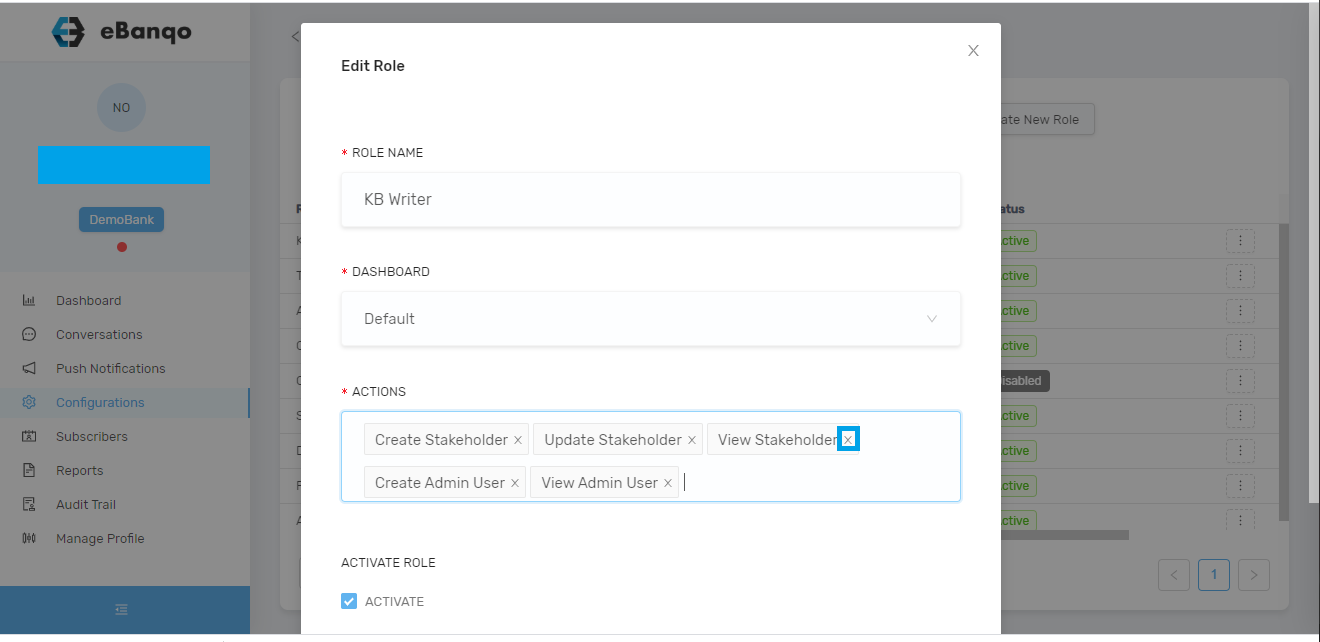
Click Save.