


Go to Configurations > Working Hours. A modal will appear.
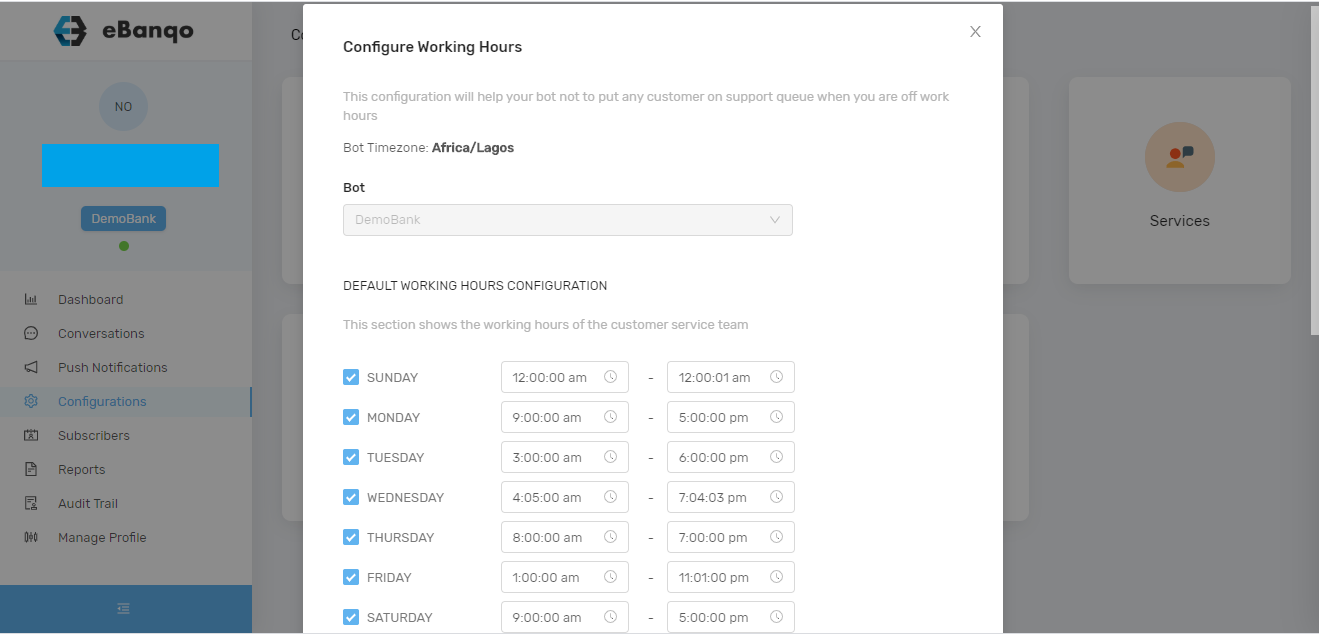
To change working hours
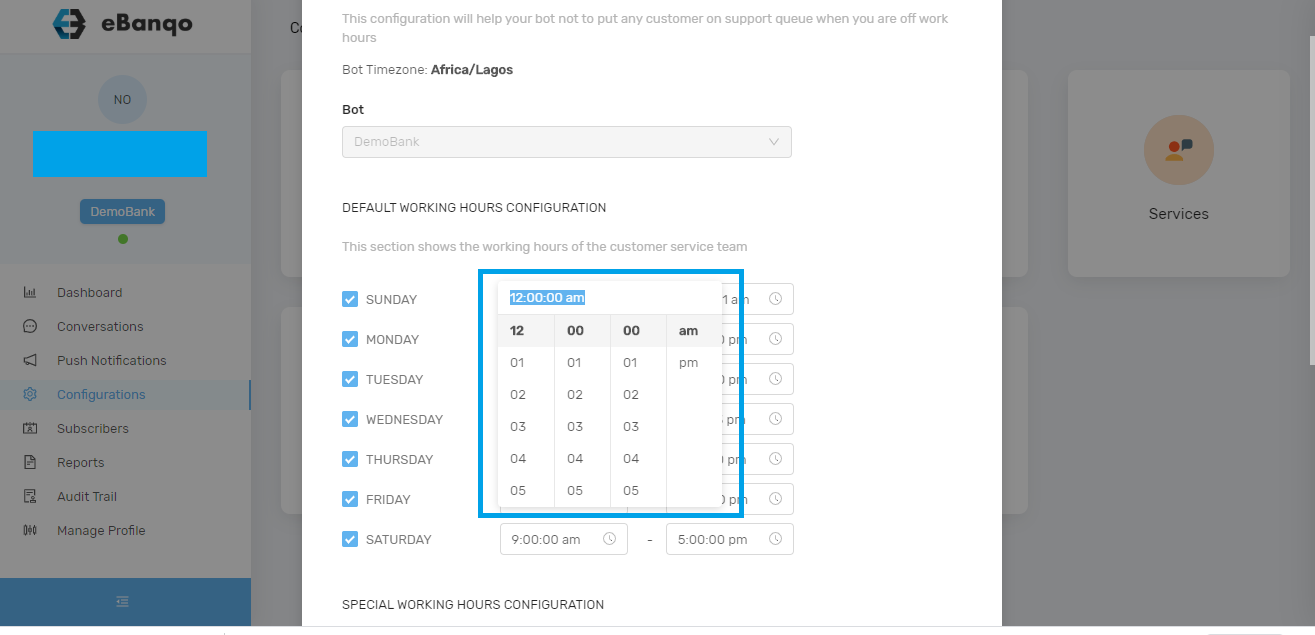
To change working hours, click on the time field as shown below and select the preferred time.
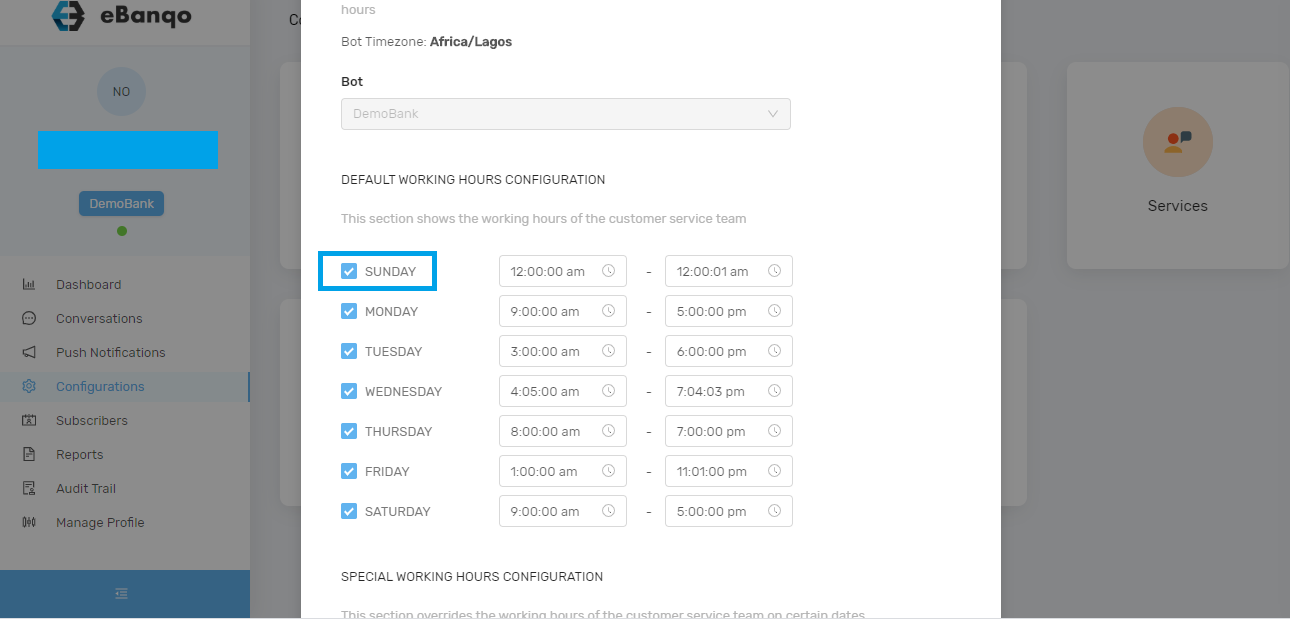
To disable a working day
To disable support on a specific day, uncheck the selected day.
Click on Save.
How to set special hours (Holidays and Special working hours)
Scroll down to Working Hours on Holidays.
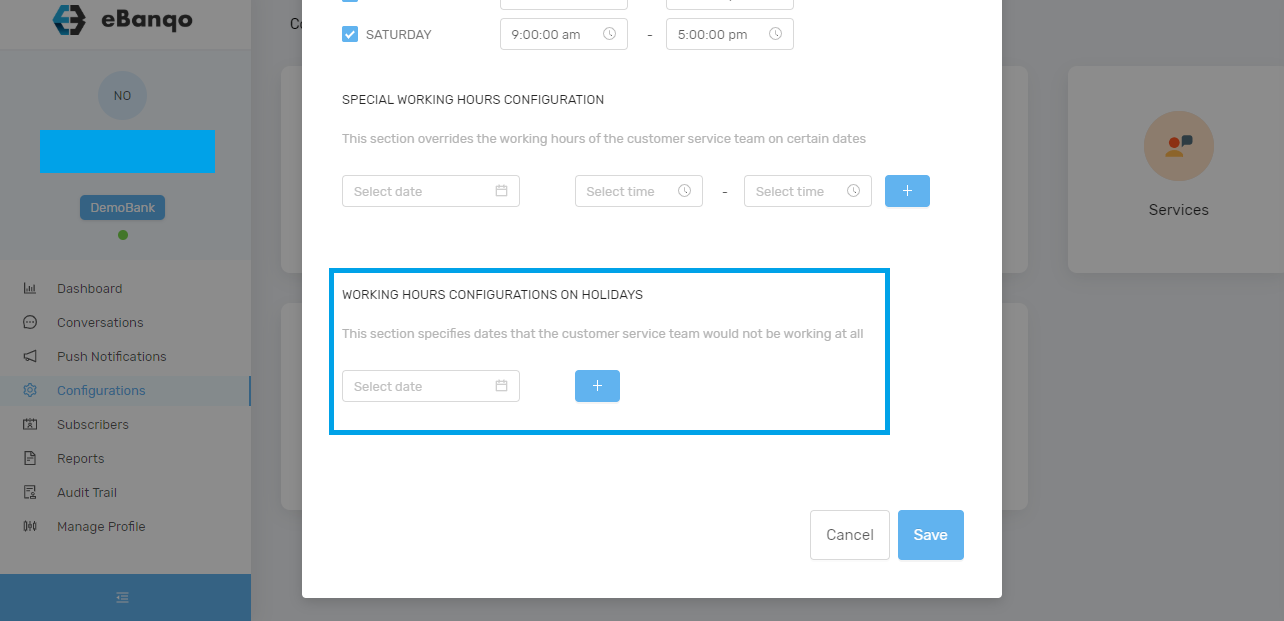
Click on the Select Date field. A calendar will appear.
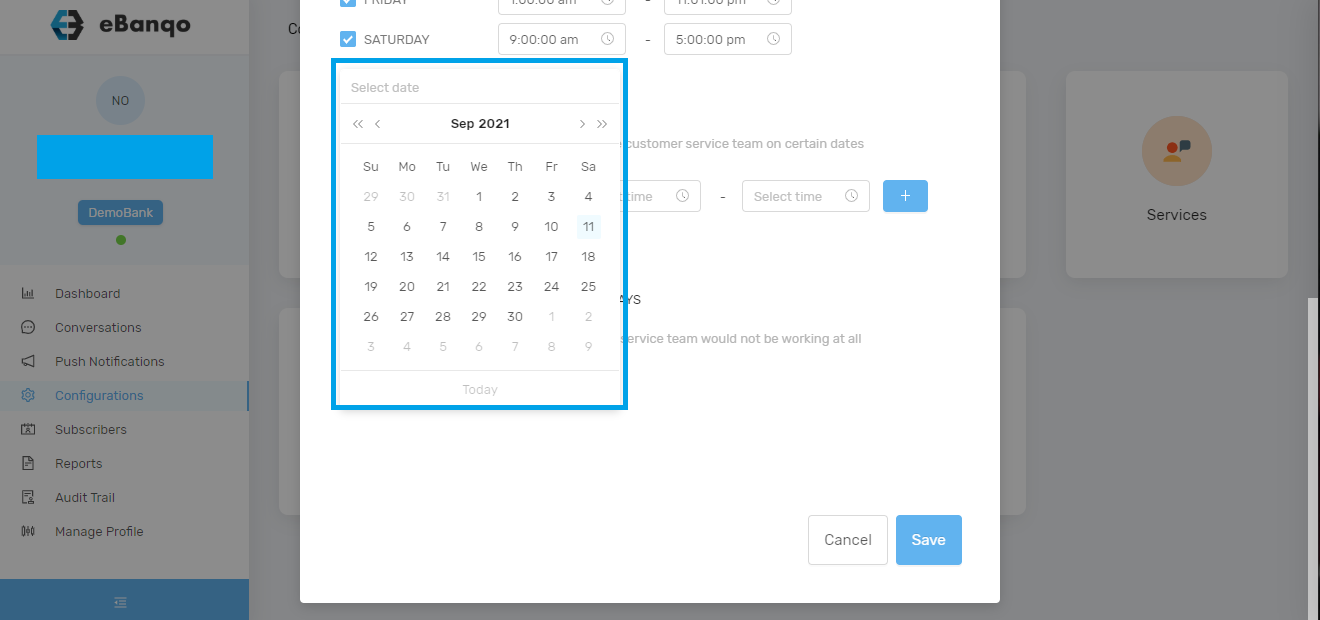
Select your preferred date and click Save.