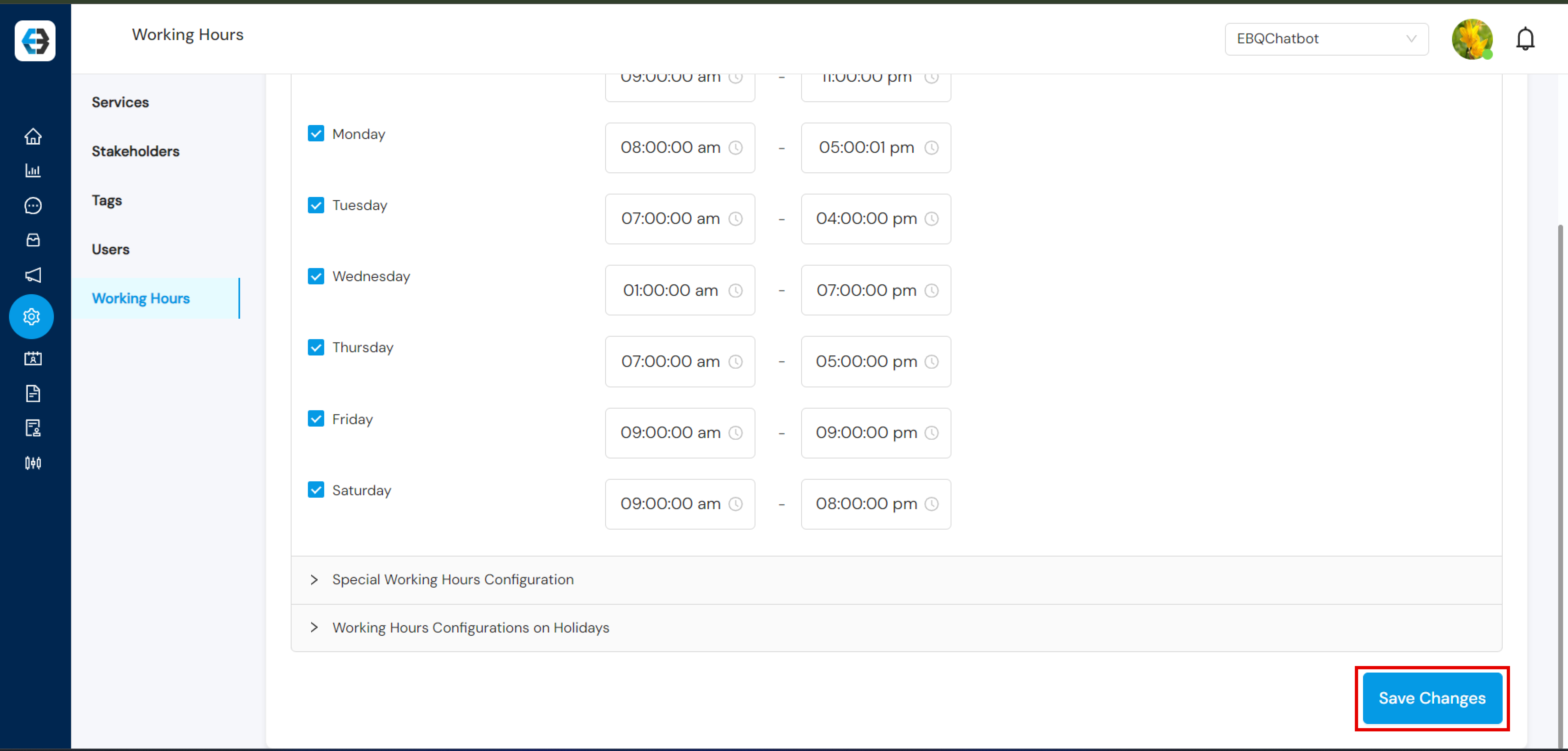


Managing your working hours on the eBanqo platform is essential, especially when using the live chat feature. It allows your customers to know when you’re available to provide real-time support, ensuring seamless interaction between your support team and customers.
Follow the steps below to configure your working hours.
Step 1: Setting up Working Hours
- Go to the Configuration tab on the platform.
- Select Working Hours from the list of configuration options.
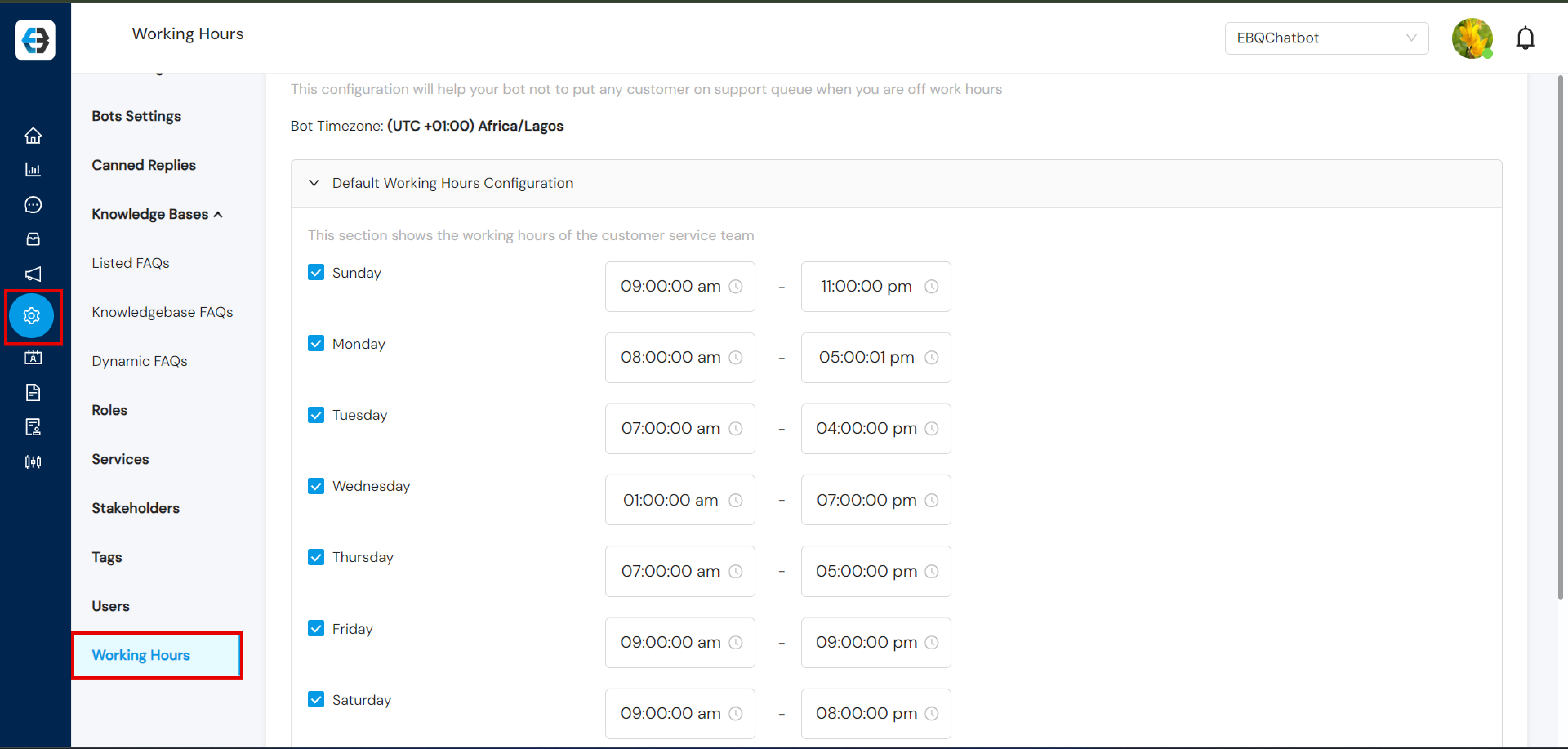
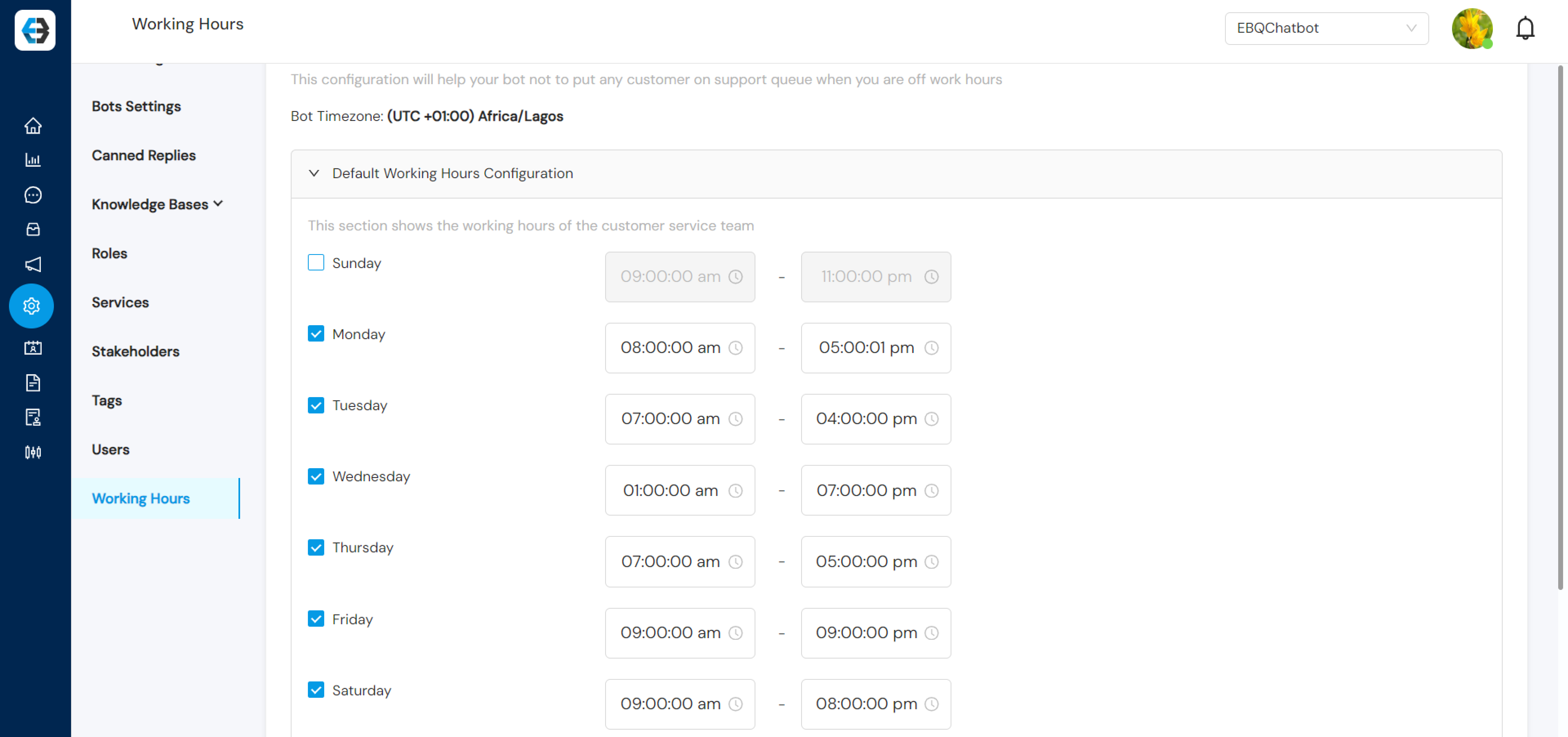
Step 2: Setting Up Standard Working Hours
- Adjust your working days by unchecking any days when services will not be available (for example Saturday or Sunday).
- For active days, set the start and end time when your support team will be available.
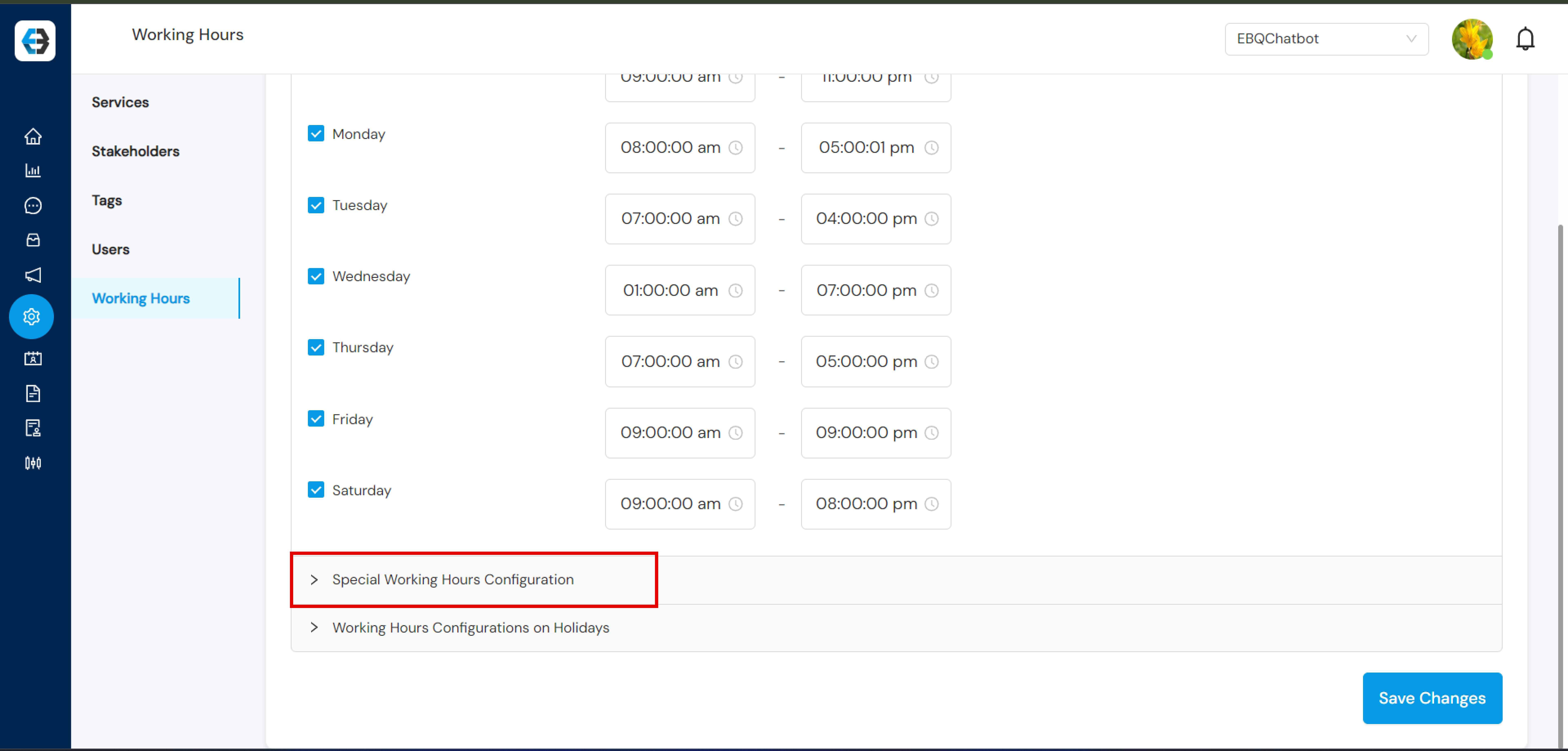
Step 3: Configuring Special Working Hours
- If there are specific days when your working hours differ (such as holidays or special events), create a Special Working Hours Configuration.
- Select the date(s) and define the modified working hours for those days.
This is useful for holidays like Christmas or special events where working hours change.
Step 4: Saving Your Configuration
- After making the changes, click Save Changes to apply your new working hours.
- Your updated working hours will be reflected during customer interactions, letting users know when your support team is available for live chat.