


Support queue attendance type describes how you want to attend to customers on your support queue. You can either attend to them sequentially or randomly.
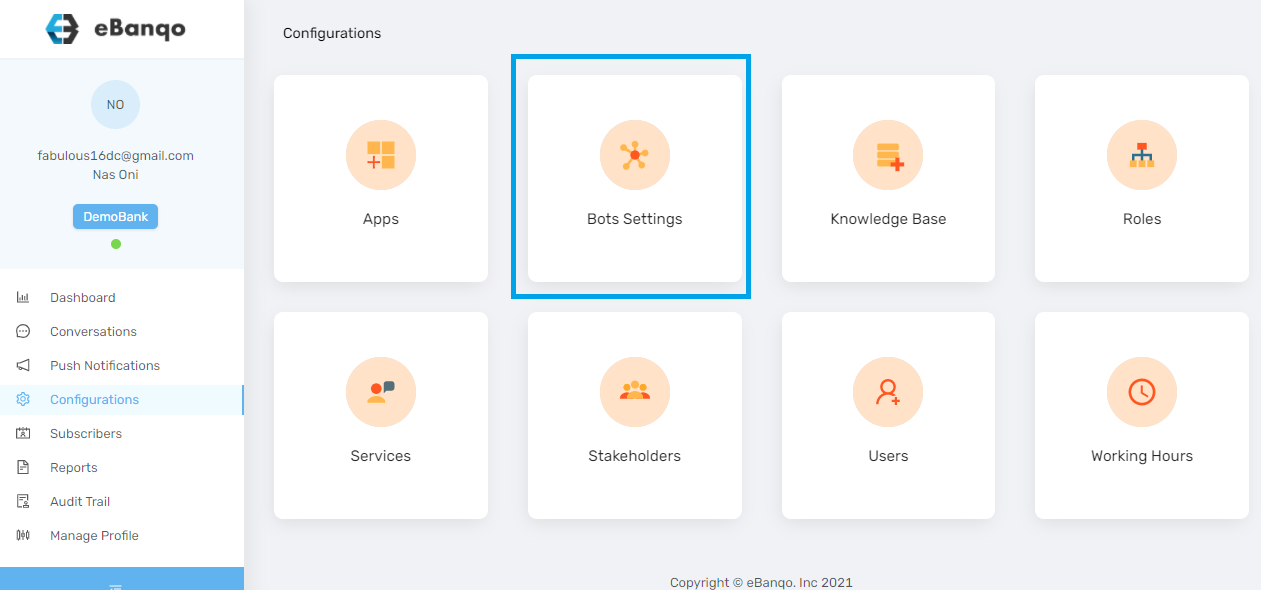
To set your support queue attendance type, log in to your account and click on Configurations > Bot Settings.
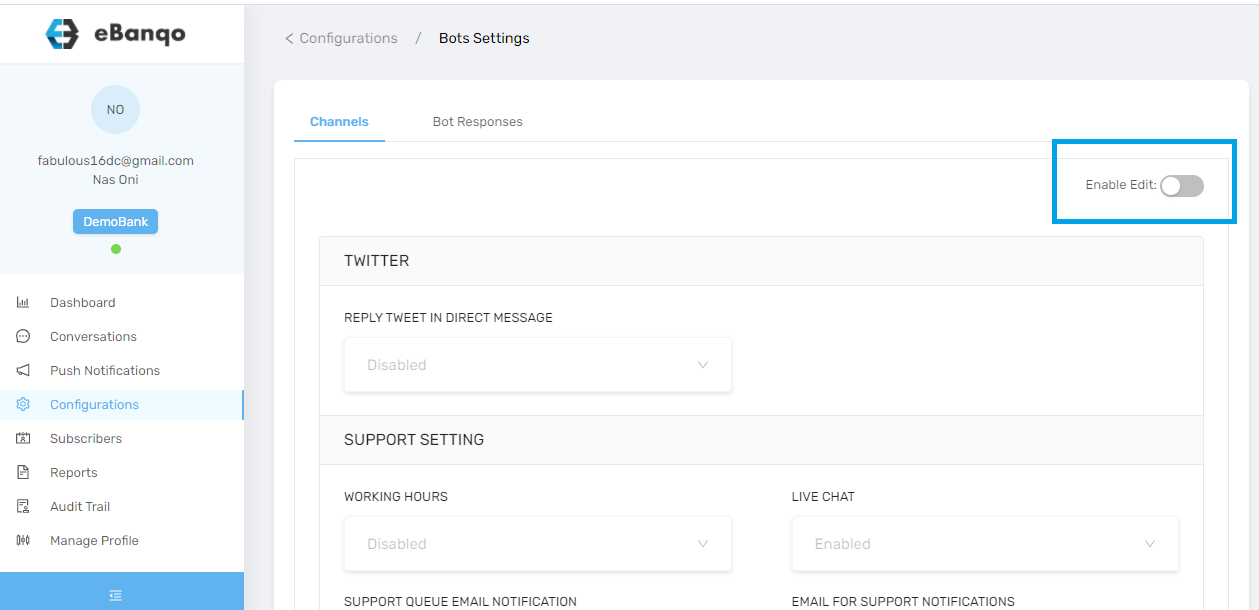
If editing is not enabled, click on the Enable Edits button. This allows you to make changes to the support settings.
Click on Queue Attendance Type.

From the drop-down box, choose your preferred option. Your changes will be saved automatically.