


To disable or deactivate a role, go to Configuration > Role. Using the slider at the bottom of your screen, scroll to the right. Click on the three dots beside the role you want to disable. A modal will appear.
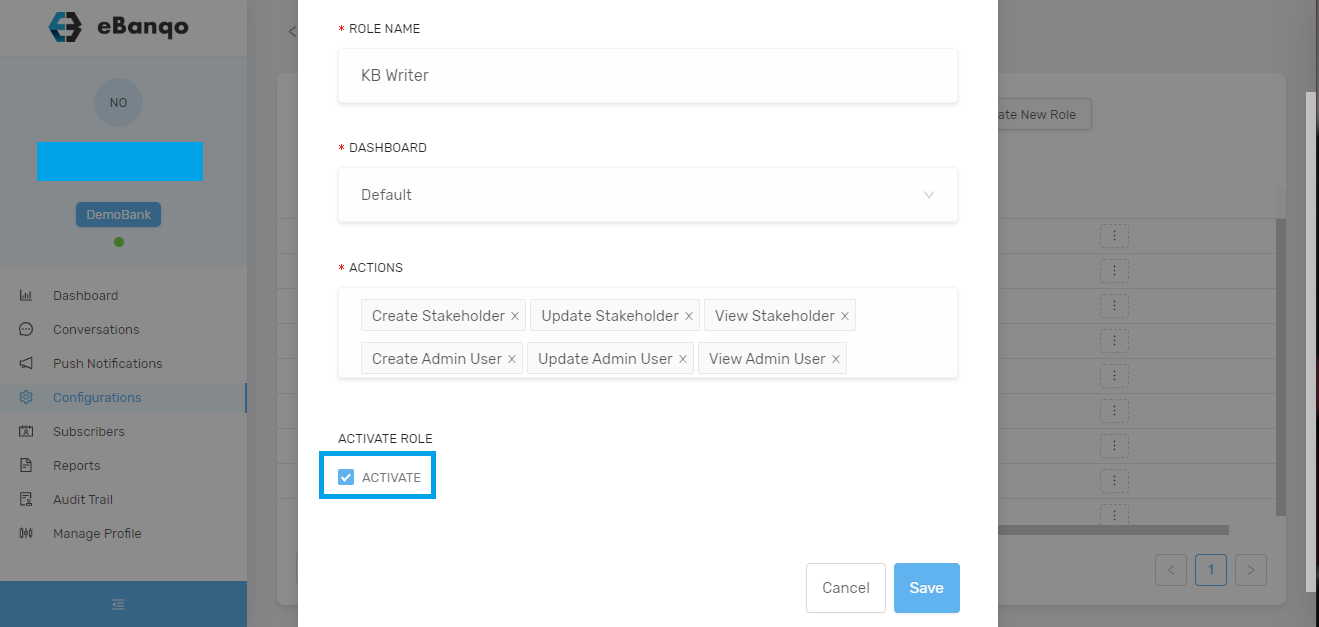
Uncheck Activate to disable or deactivate a role.
Click on Save.