


To create a new role, log into your account. Go to Configurations > Roles. Click on the Create New Role button.
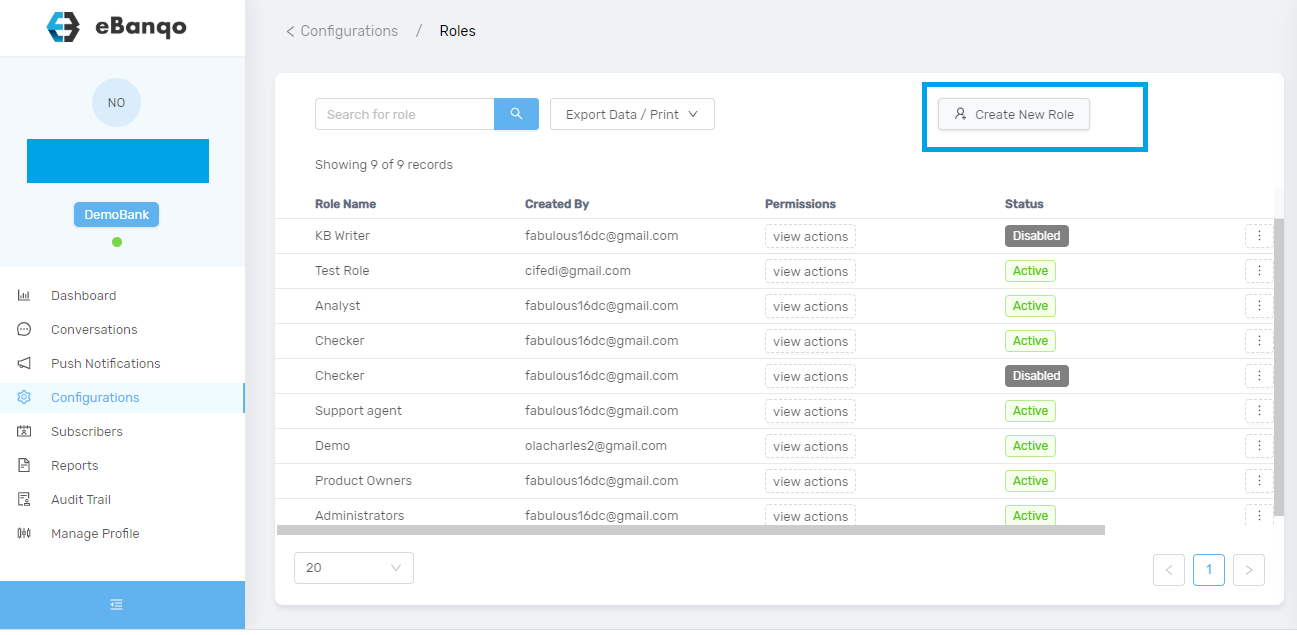
Once you click on the Create New Role button, a modal appears.
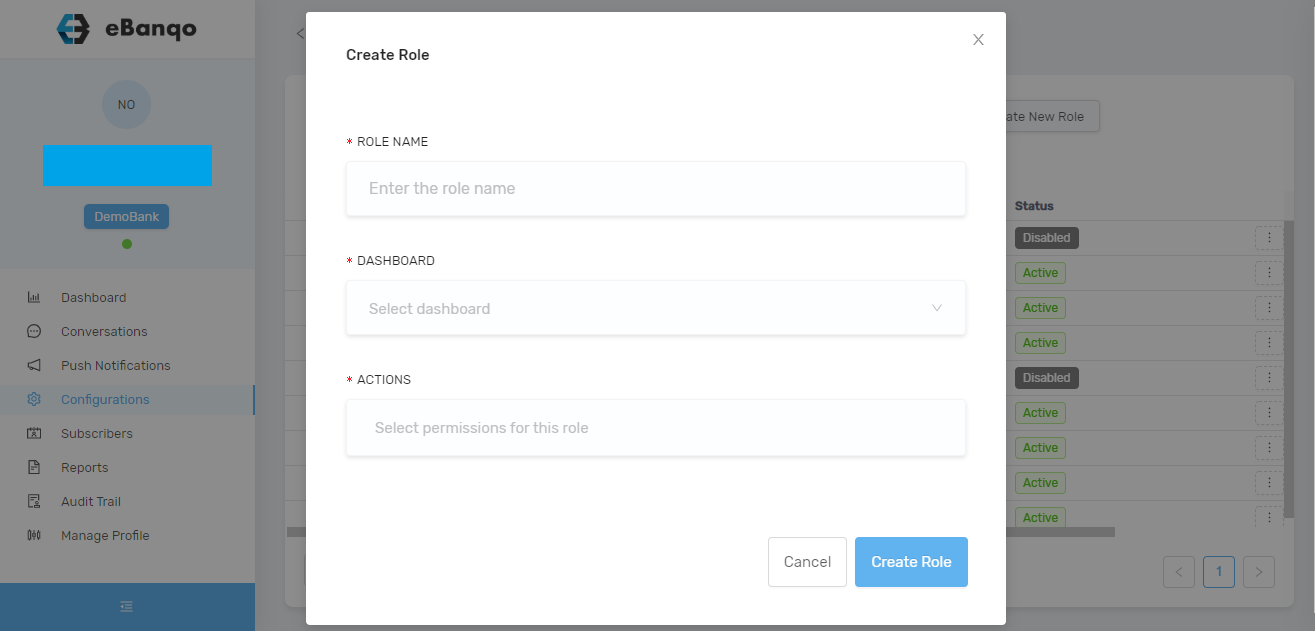
Complete the form. Fill in the role name, select dashboard, and choose the permissions for this role. Then click on Create Role.
The new role will automatically be saved. You can view roles under Configurations > Roles.