

- Log in to your account.
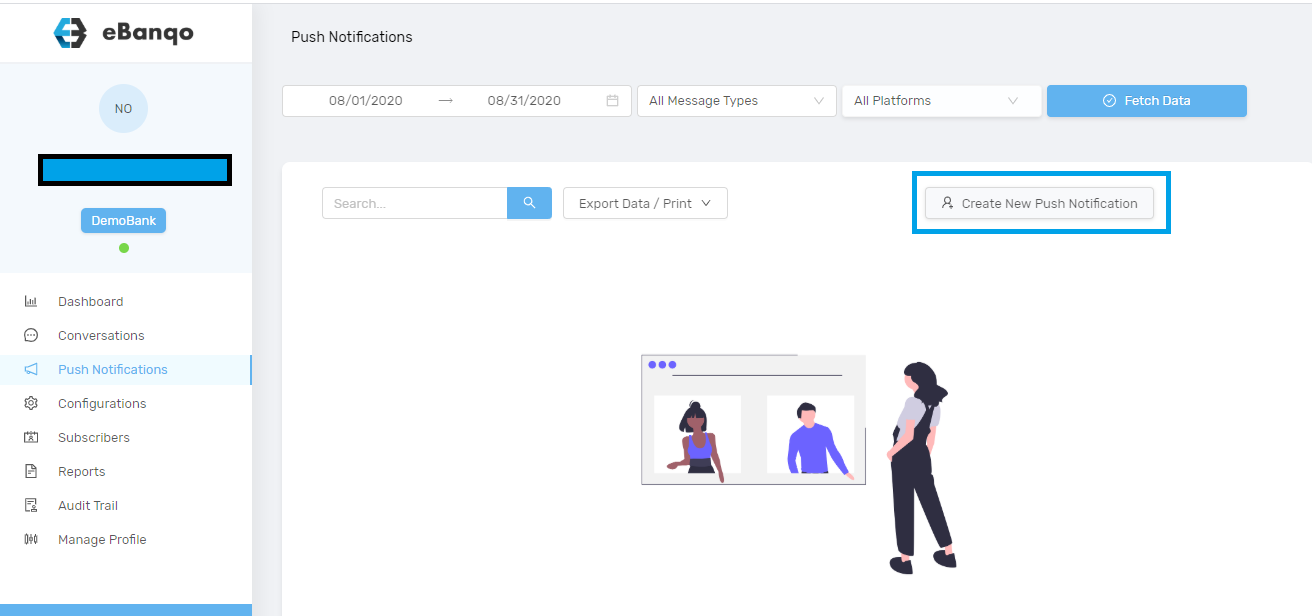
- Go to Push Notifications.
- Click on Create new push notification.
- A modal opens.
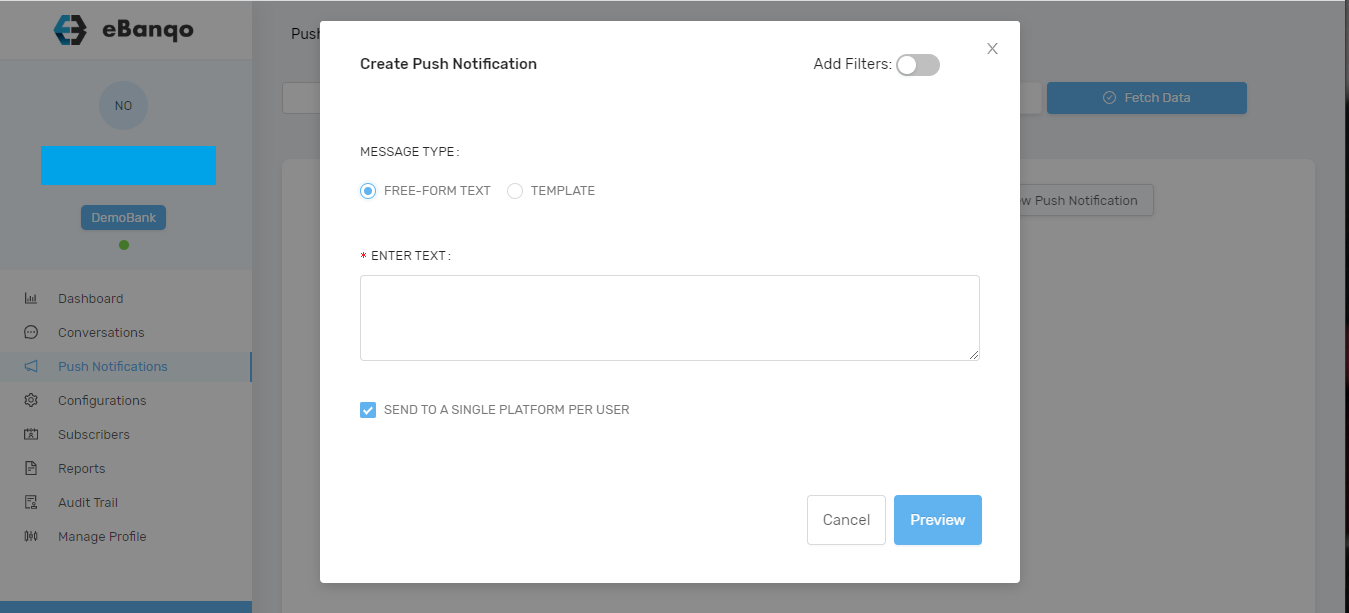
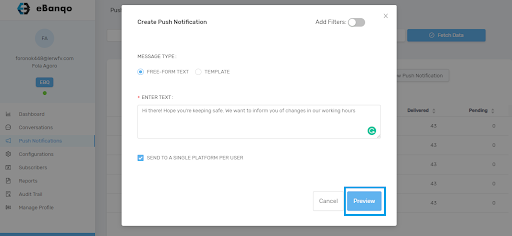
- There are two options: Freeform text or Template.
- Freeform text
- Template
For Freeform Text you compose a new message for your customers.
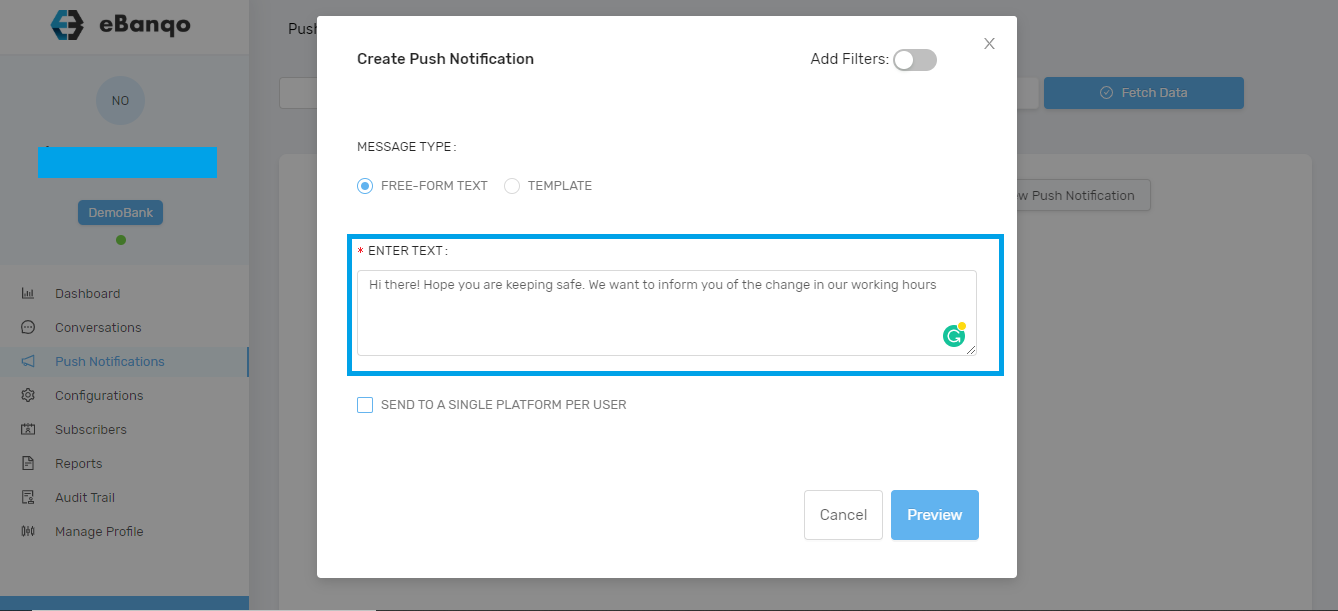
After entering your message decide whether to send to one platform per customer or all platforms.
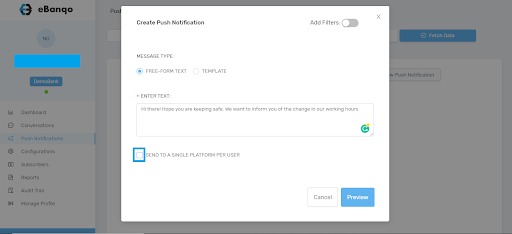
Preview your message before sending.
A modal containing the notification details will appear.
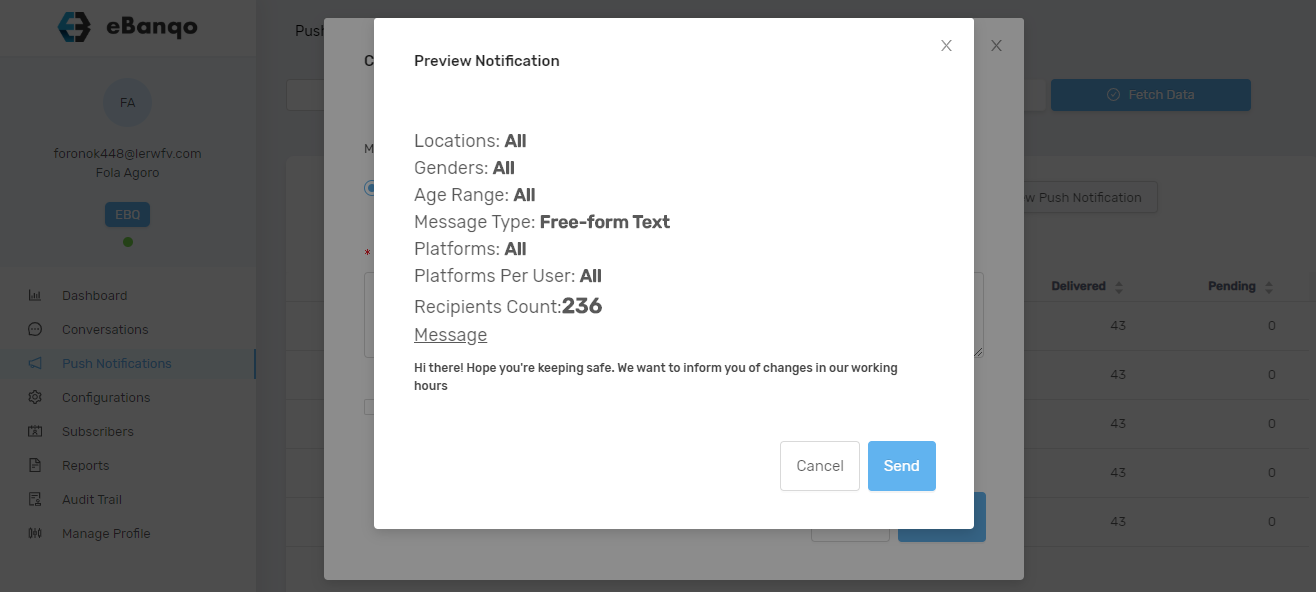
If satisfied click Send, otherwise click Cancel to edit.
Template option will be available in future updates.
