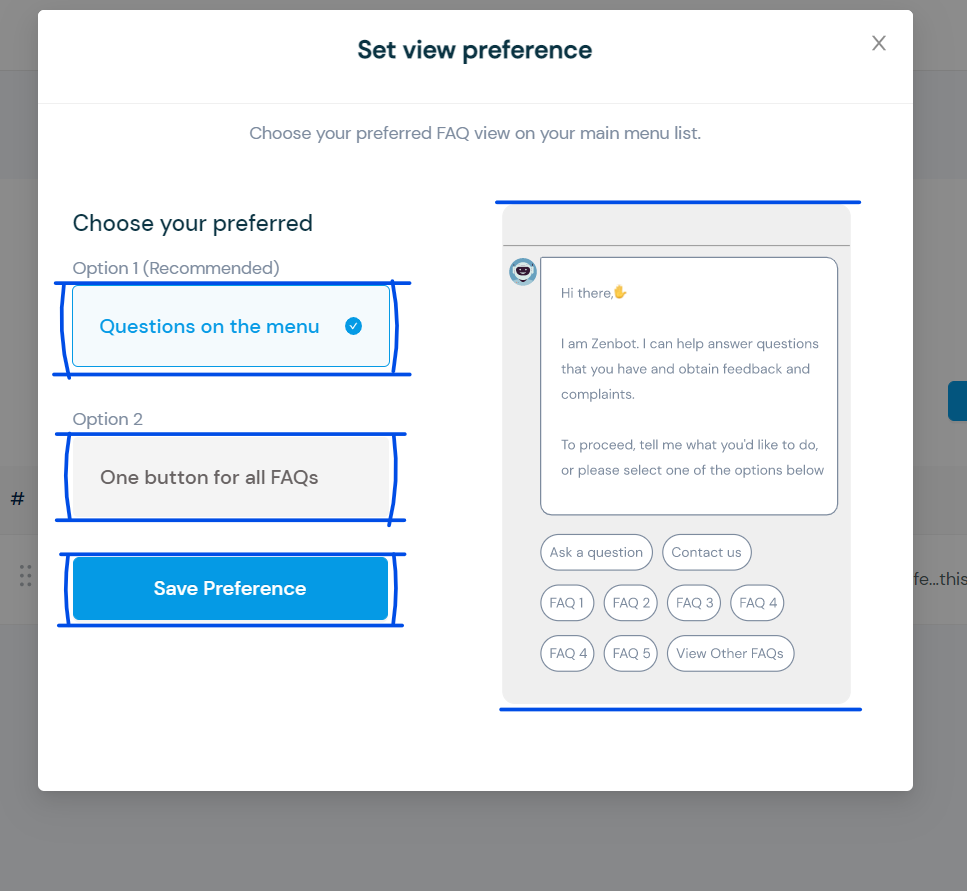

How to Configure Listed FAQ
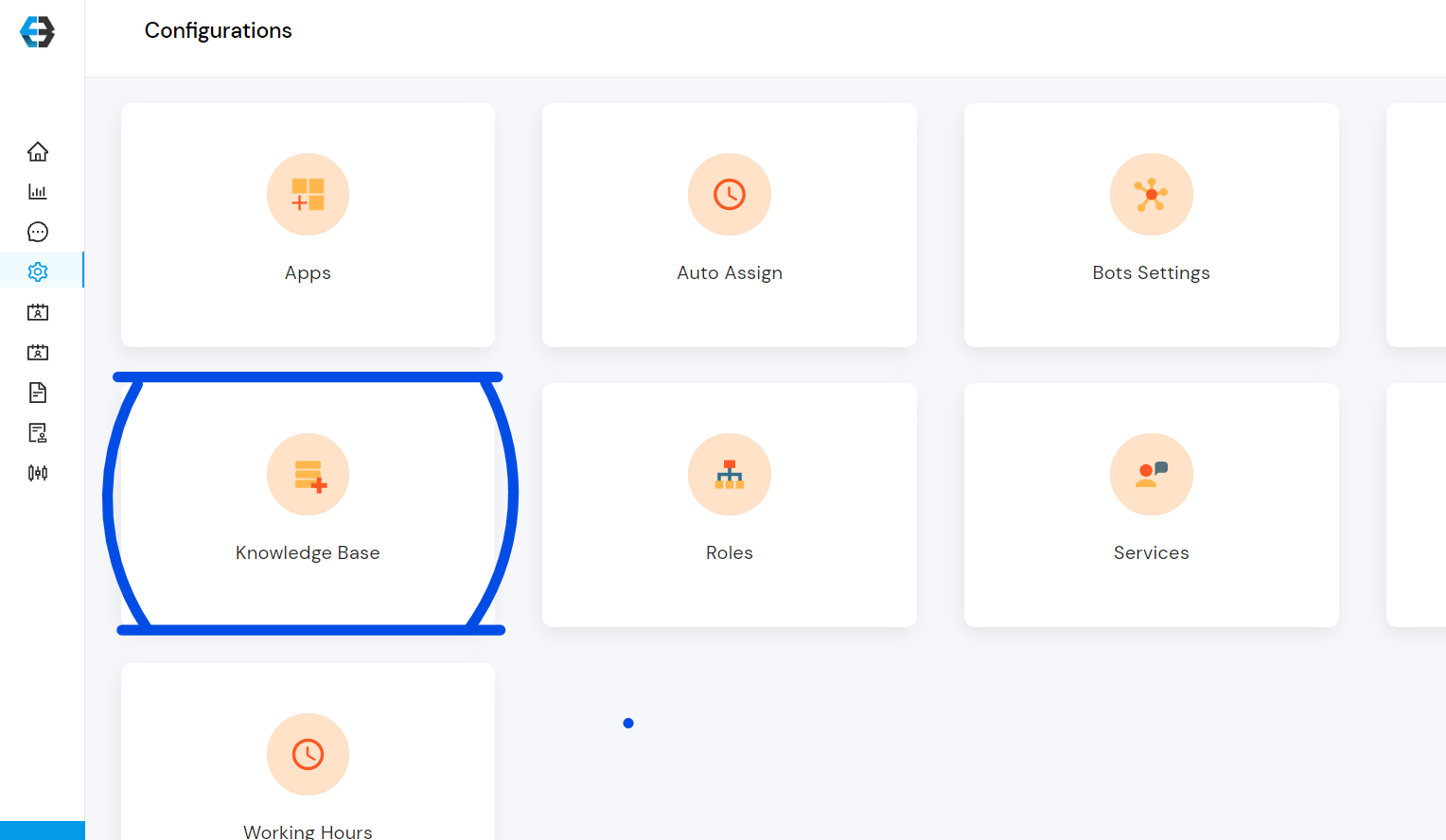
- Go to Configuration
- Select Knowledge Base
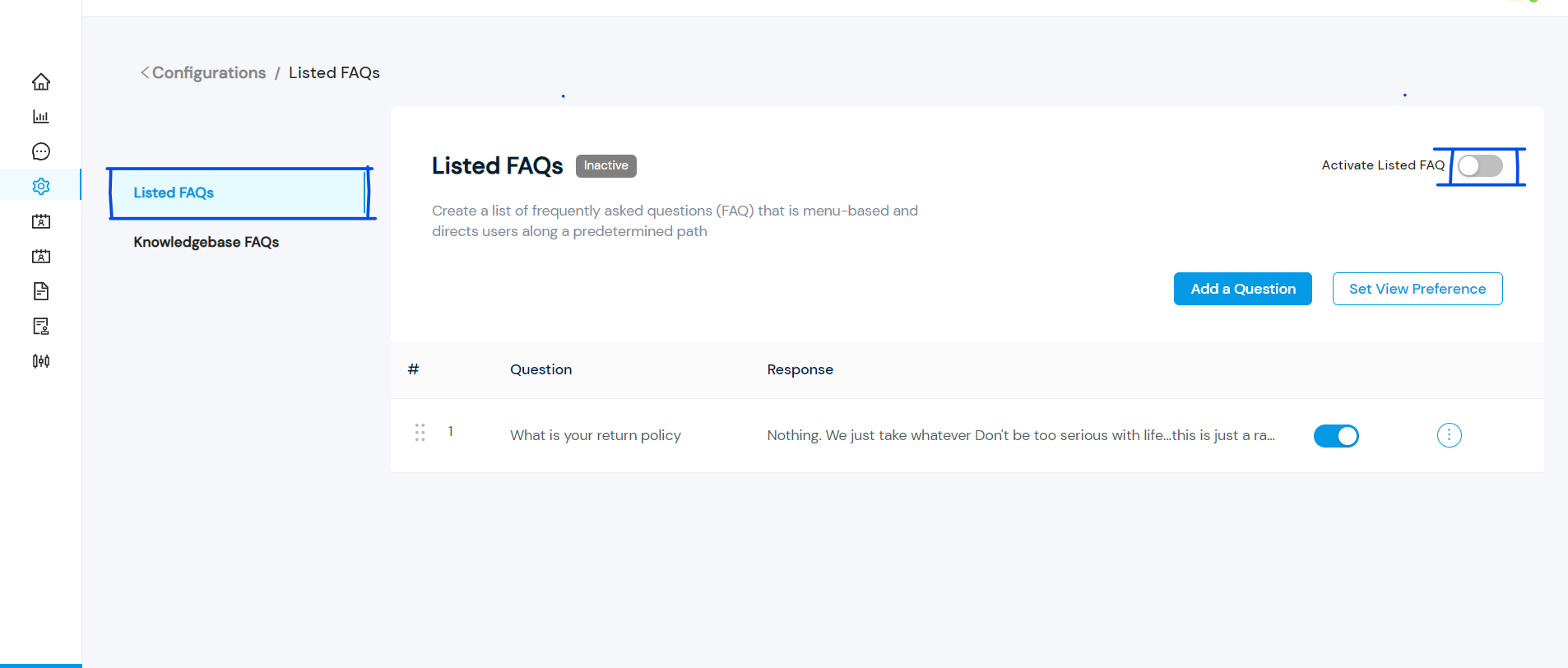
- Select Listed FAQs and activate it
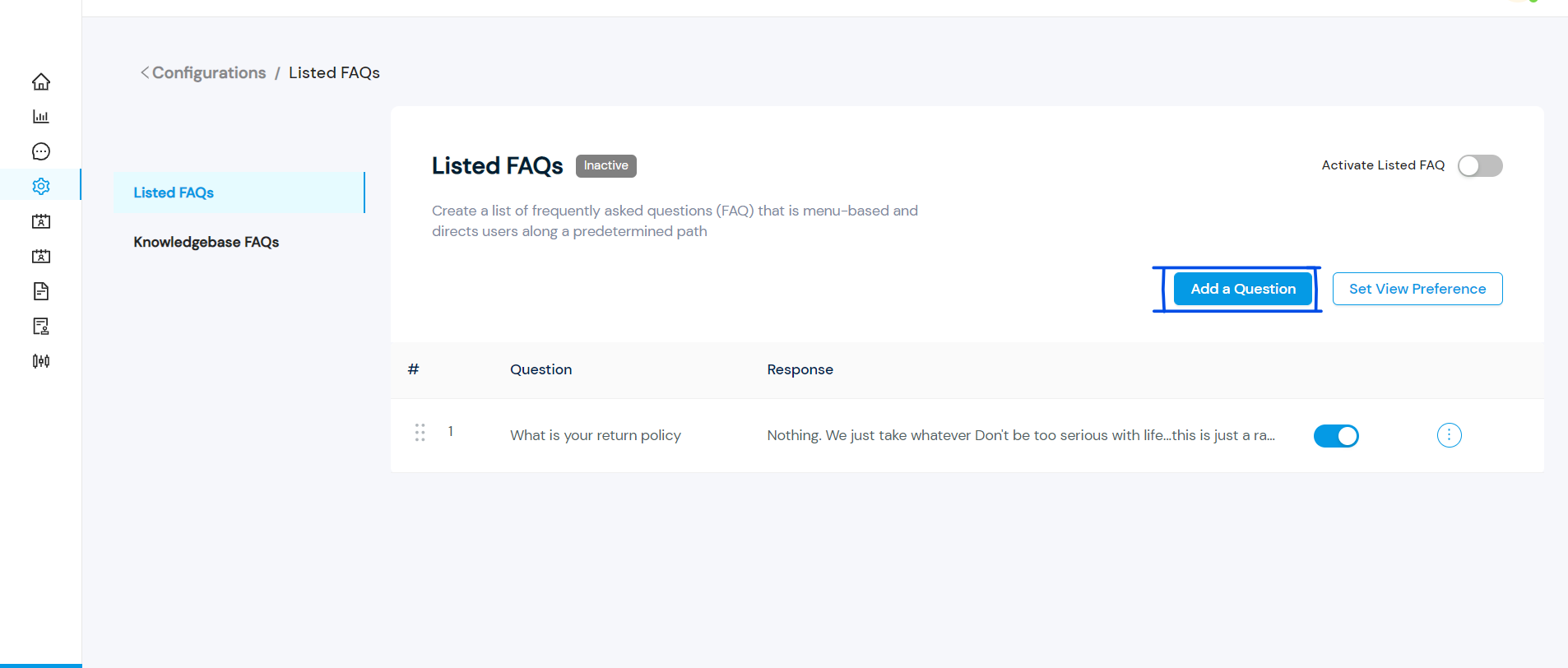
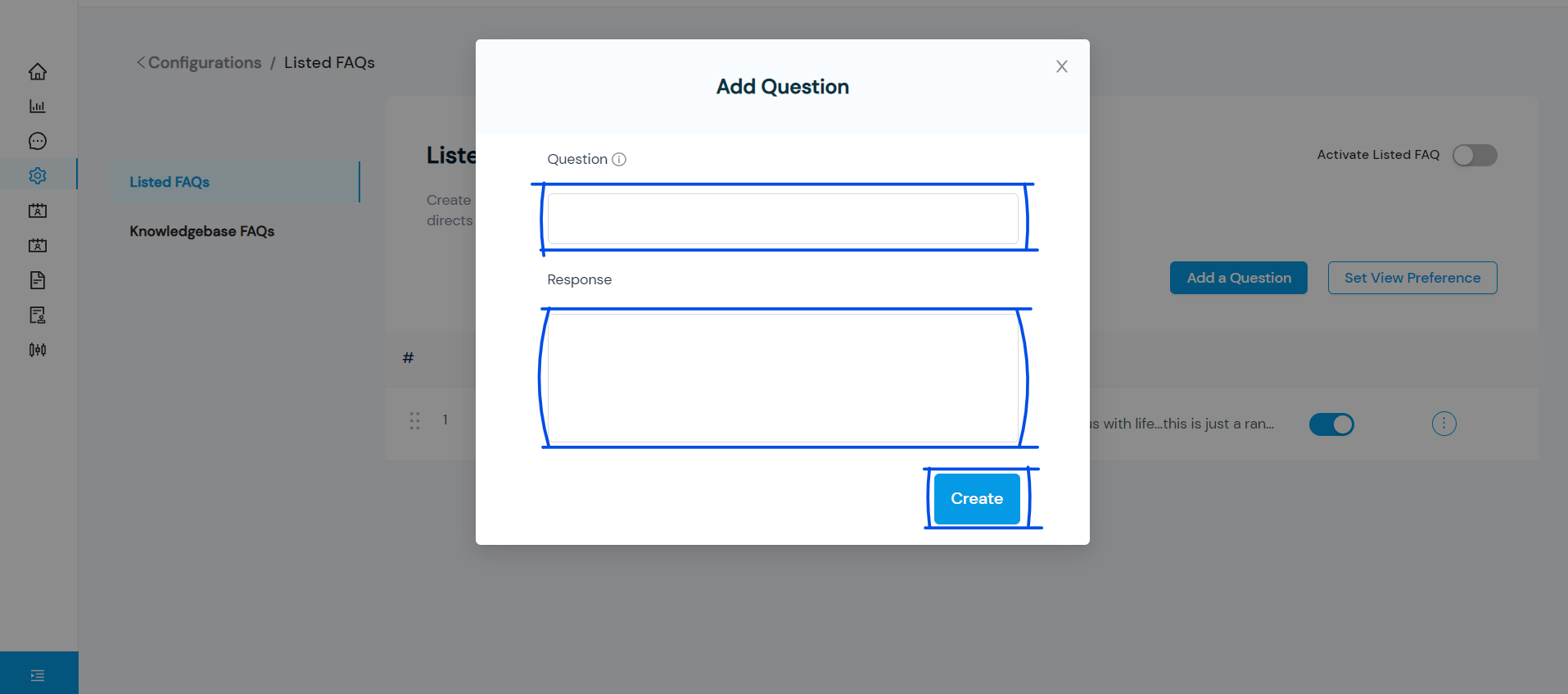
- Select Add a Question and the Question and Response fields will appear
- Fill out the Question and Response fields and select Create to create a FAQ. Add more FAQs to list as much as you want.
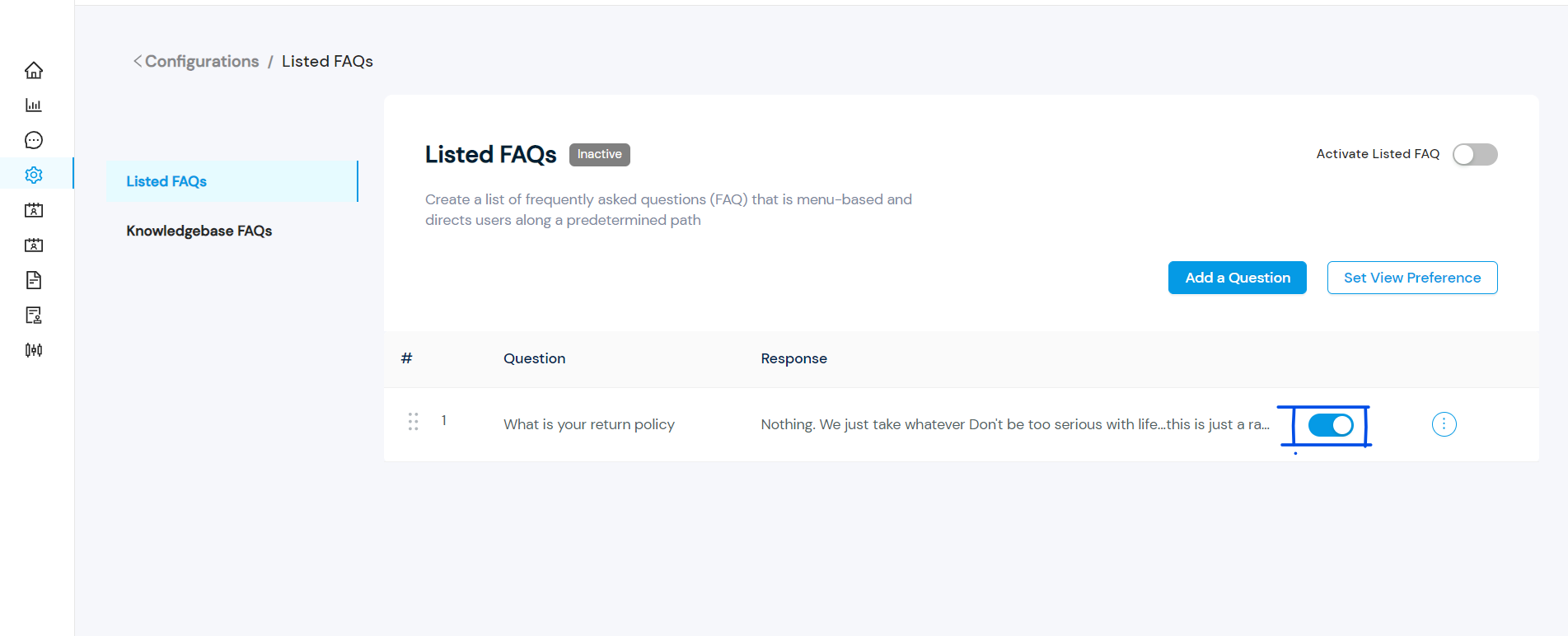
- Select the FAQs you want to display by switching on the toggle button. You cannot select more than twelve FAQs.
- Select Set View Preference to set up your preferred preview option.
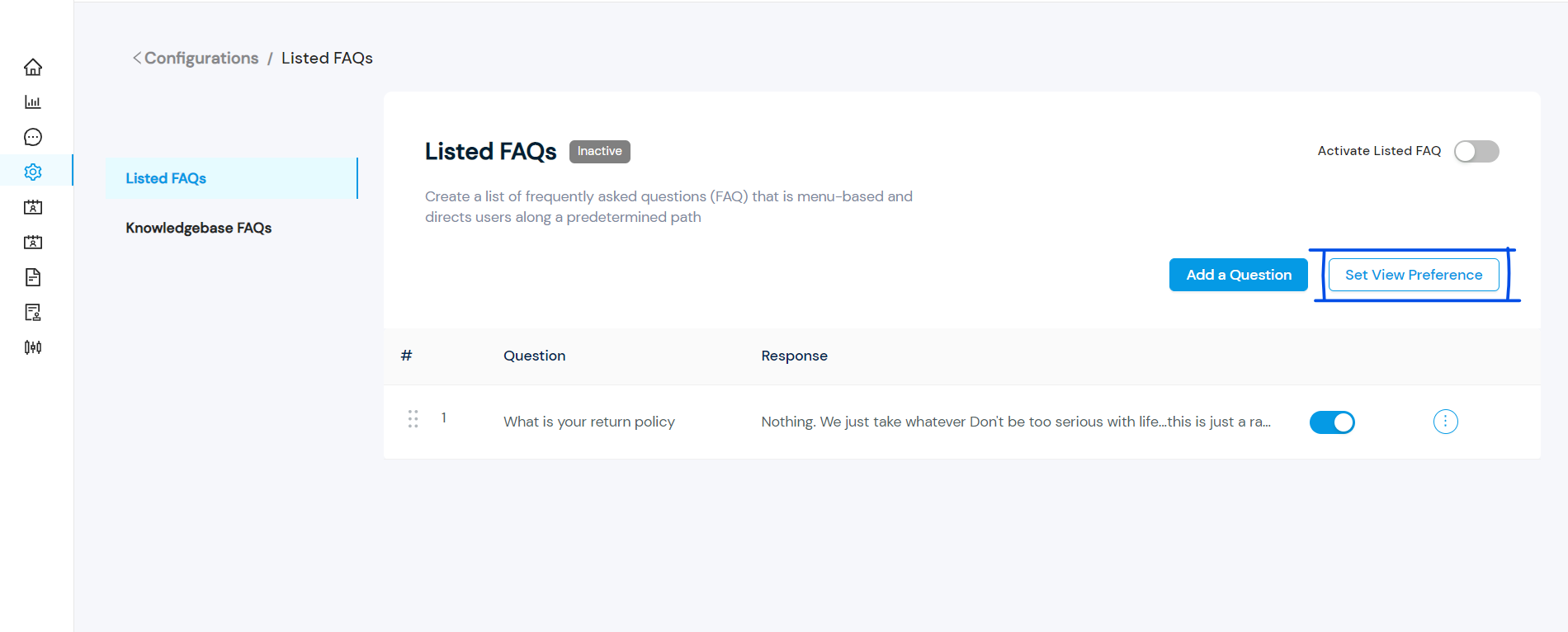
- Choose either “Questions on menu” or “One button for all FAQs” and save preference.