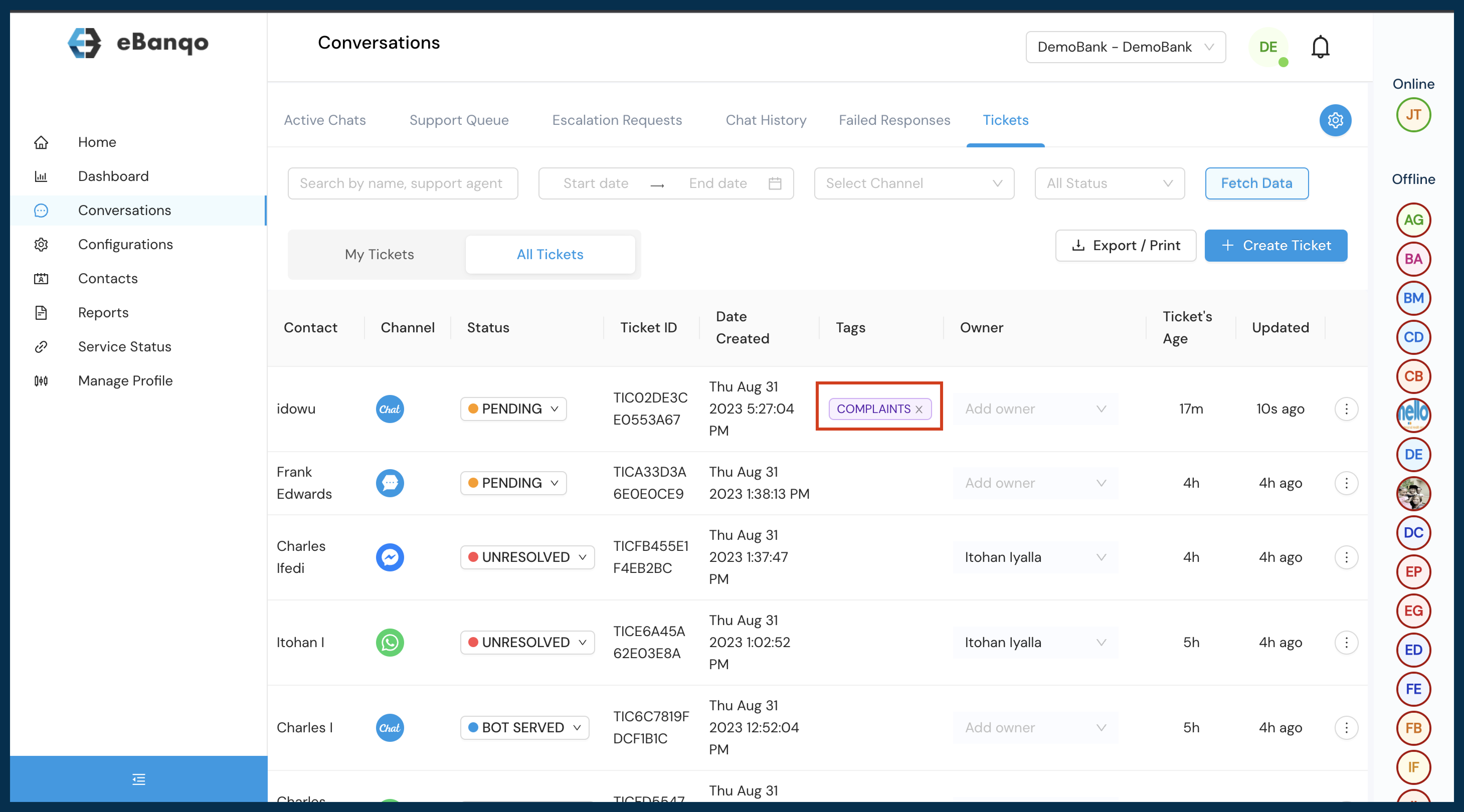

How to create tags
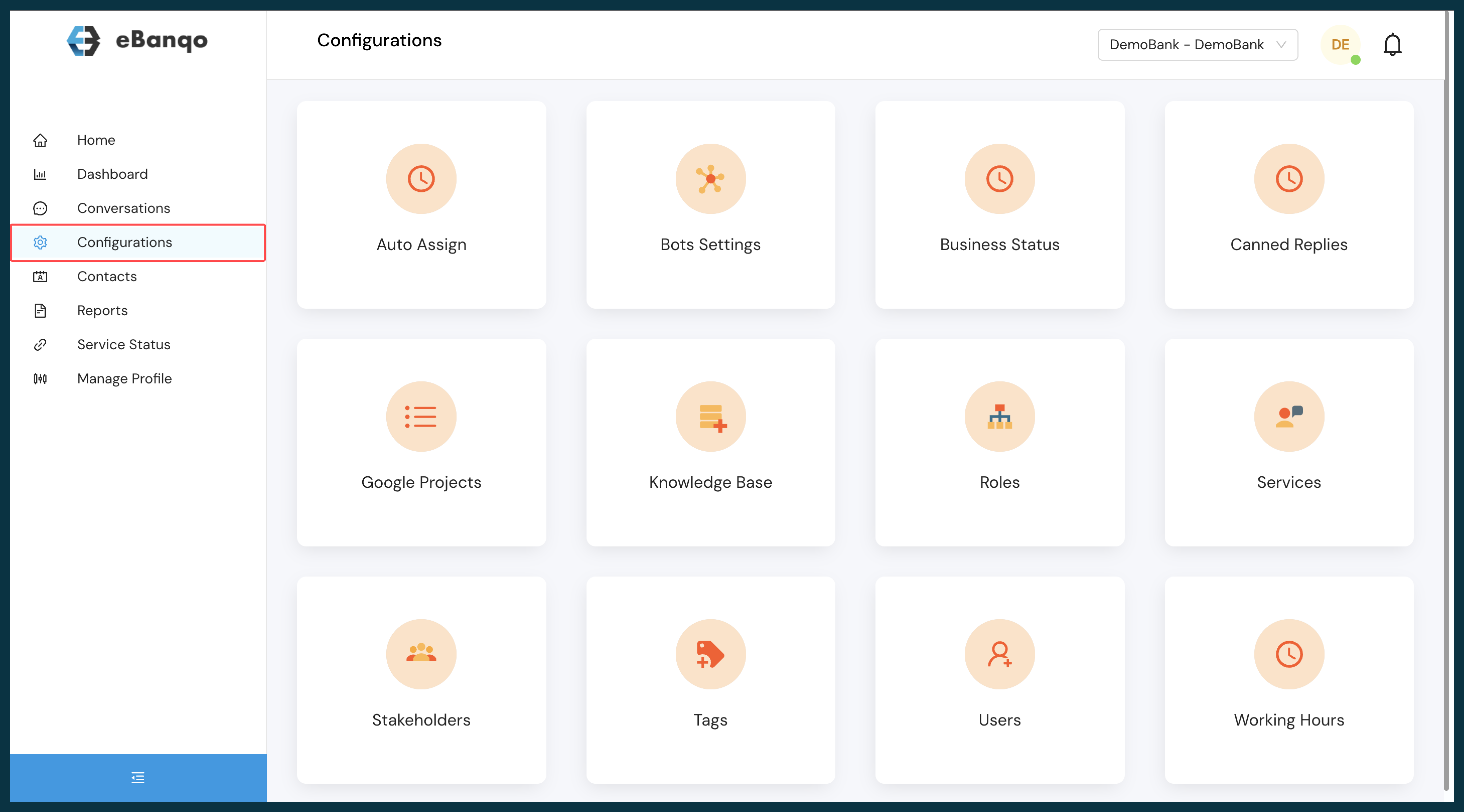
- Login to ebanqo.io and go to configurations on the menu bar
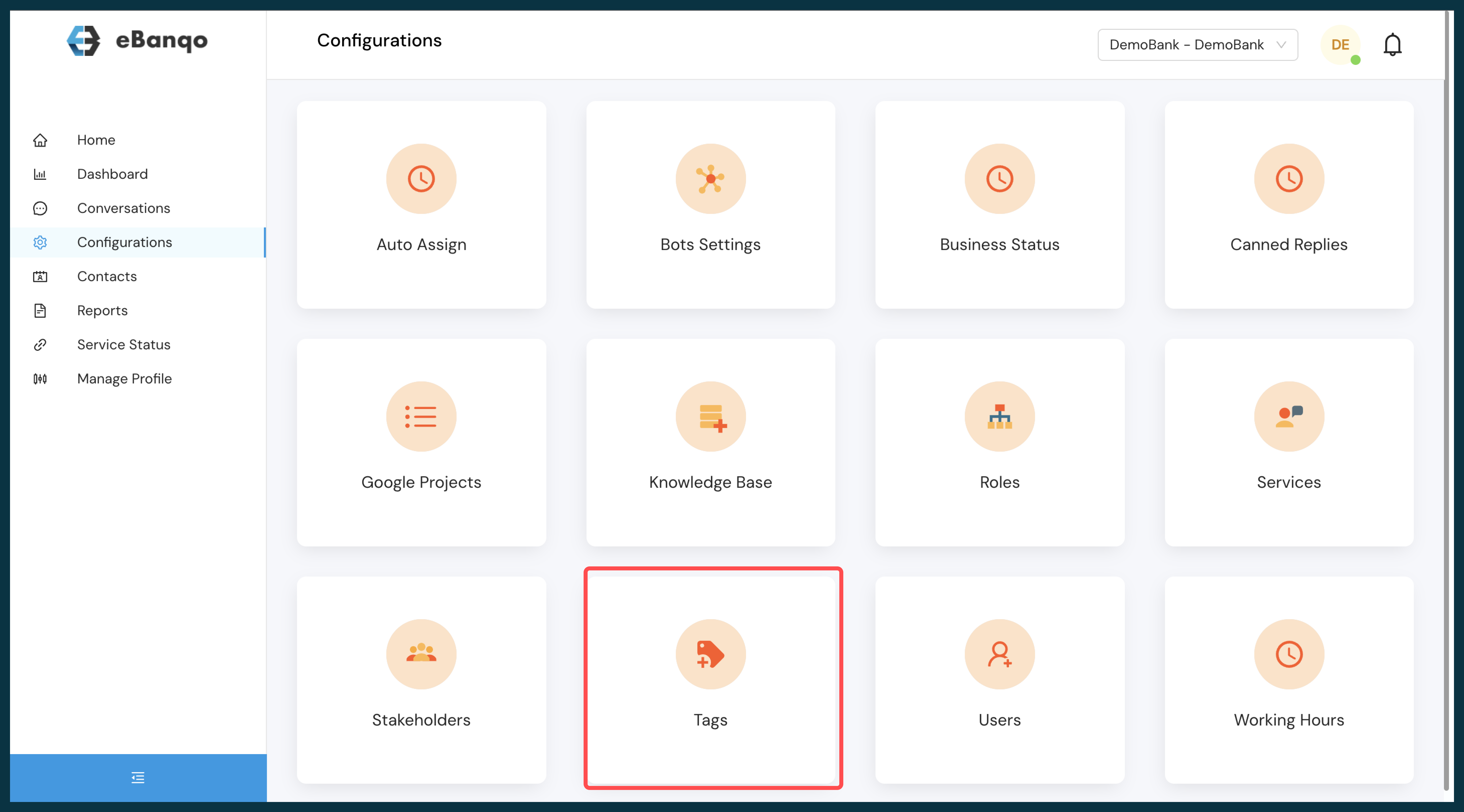
- Select Tags from the list of available apps
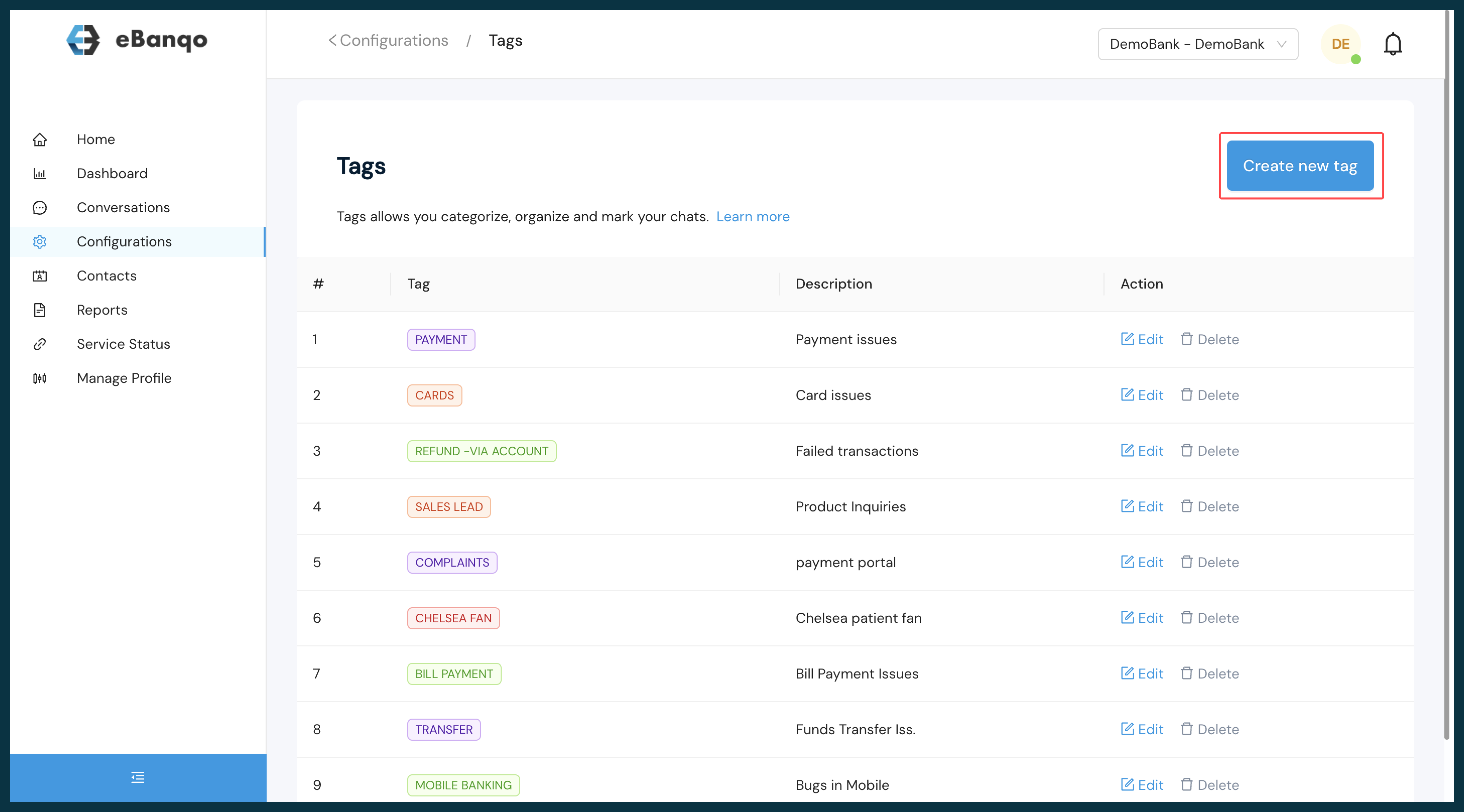
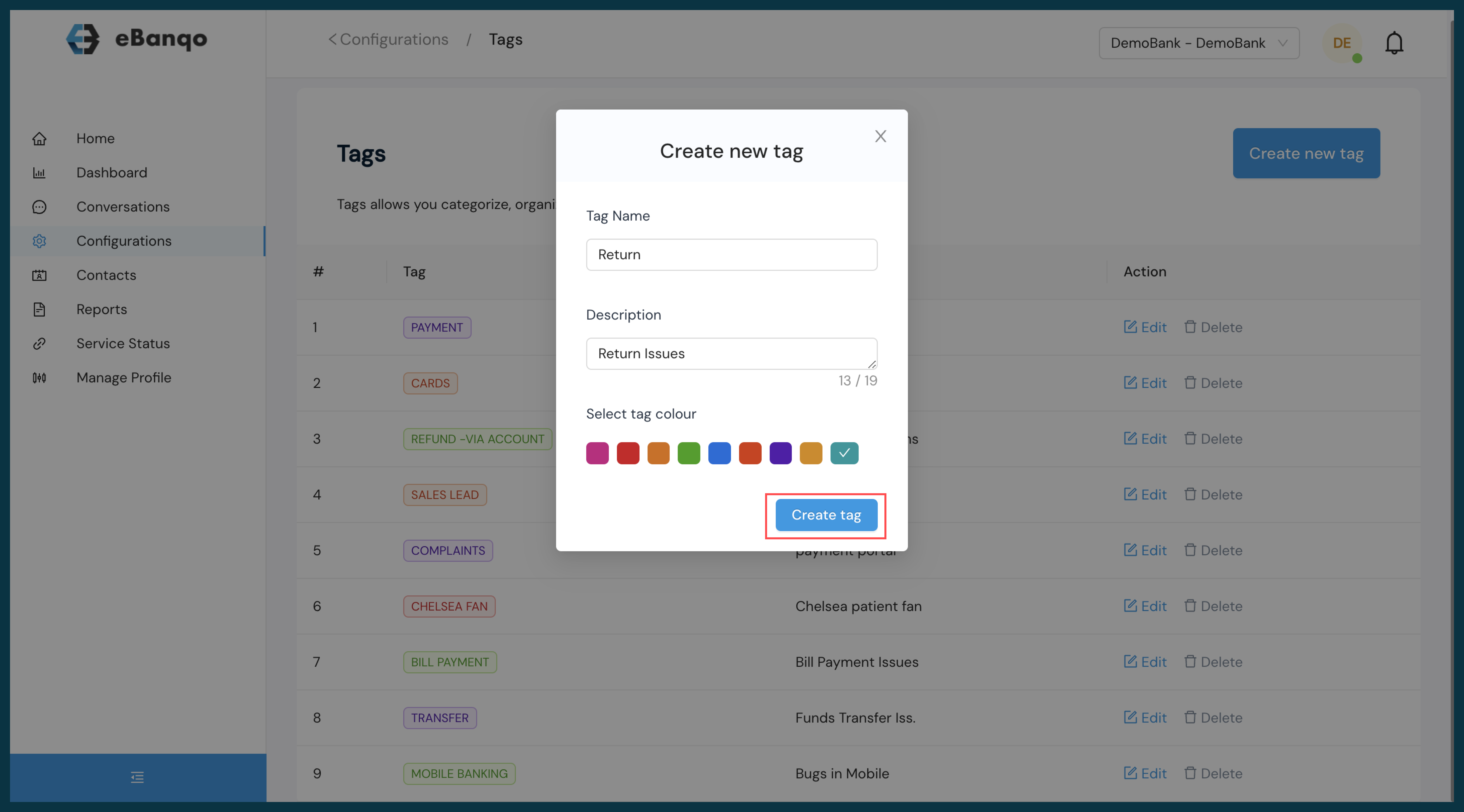
- Click on “Create new tags”
- Input the preferred tag name and description, select the preferred color, and create
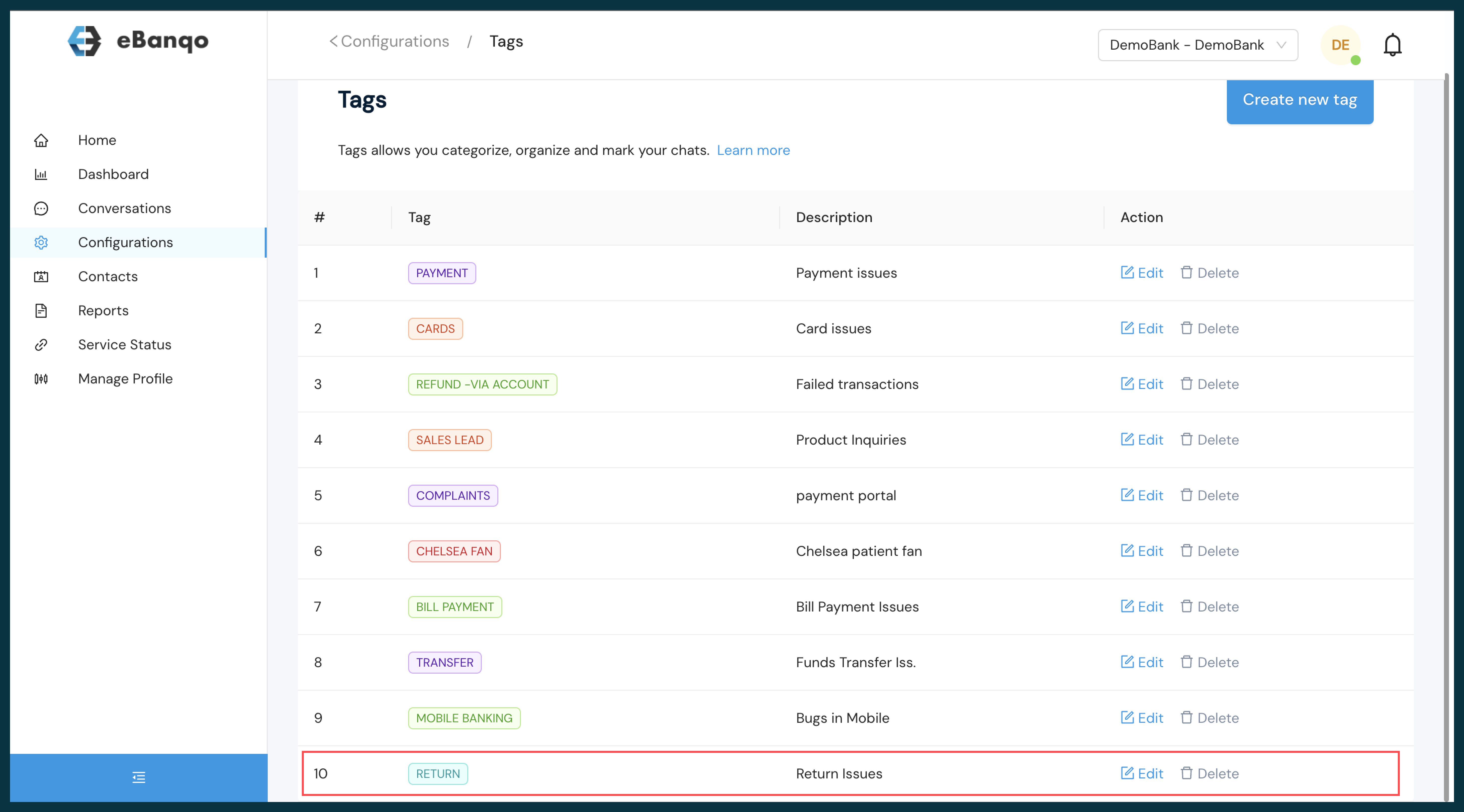
View the list of available tags
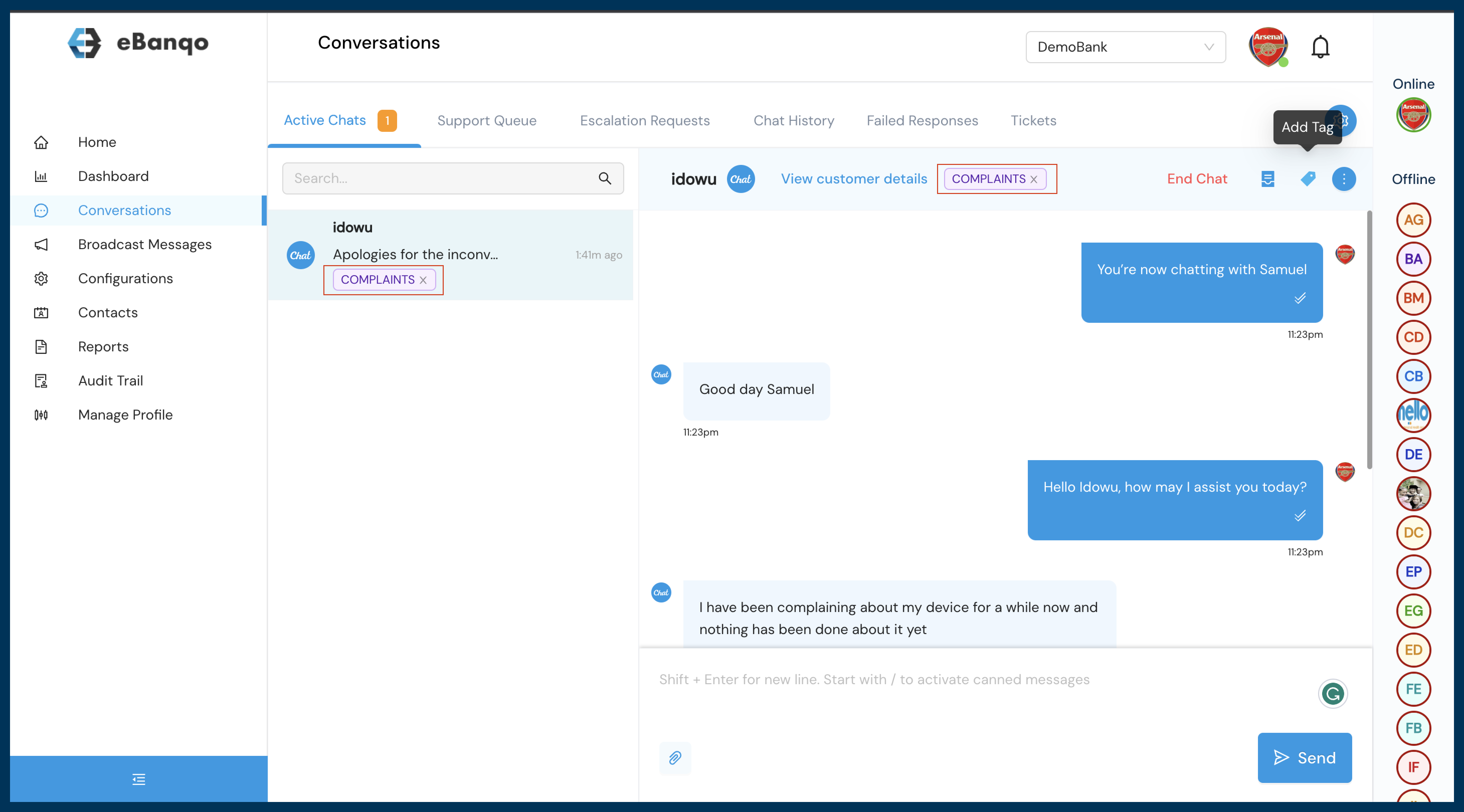
How to use created Tags
- For ongoing conversations an agent is chatting with a customer you can select a tag to label the conversation appropriately
- For concluded chat conversations agents can label conversations through ticketing.
- Within Conversation select ticketing
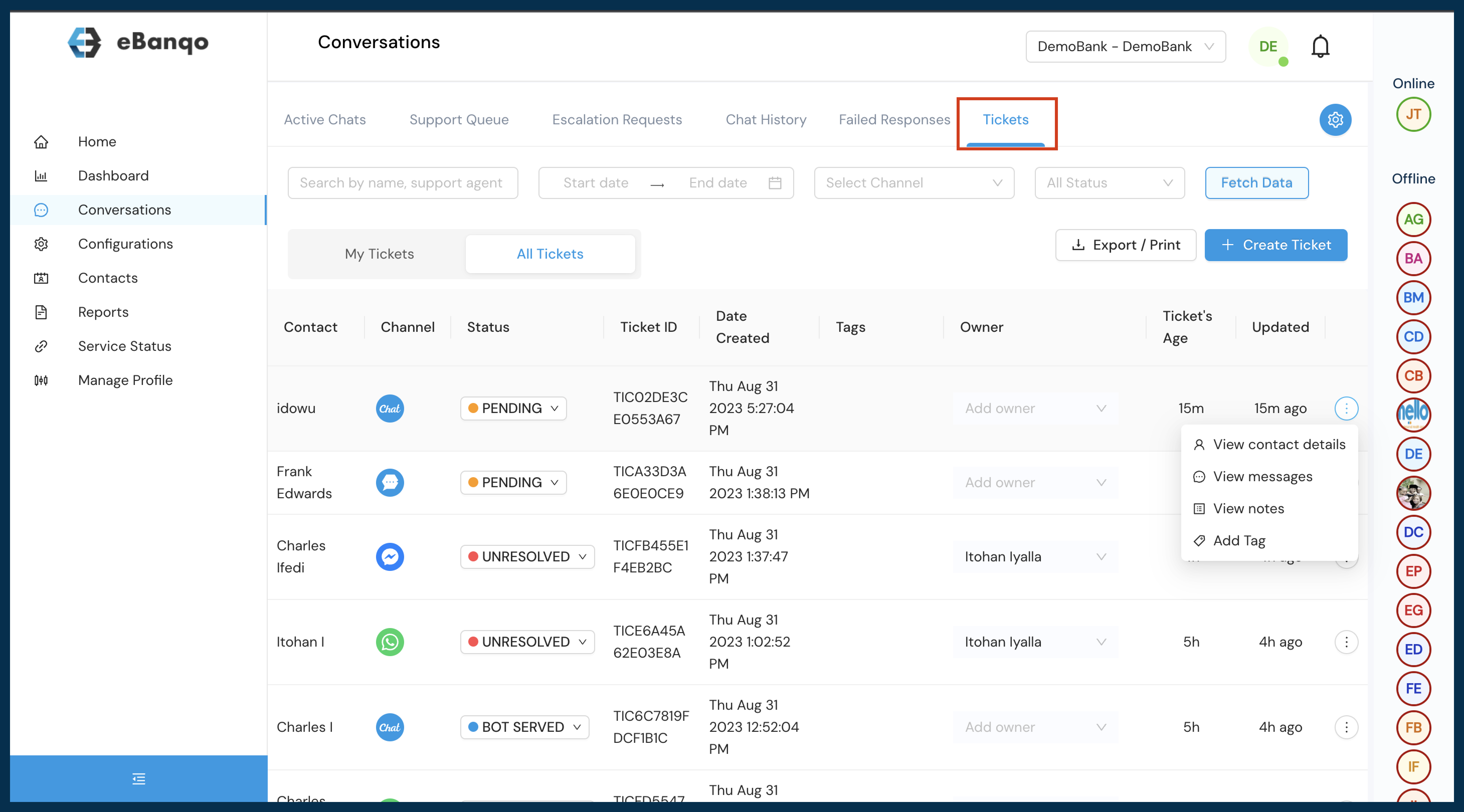
- Under ticketing select the appropriate conversation and choose your preferred reference tag
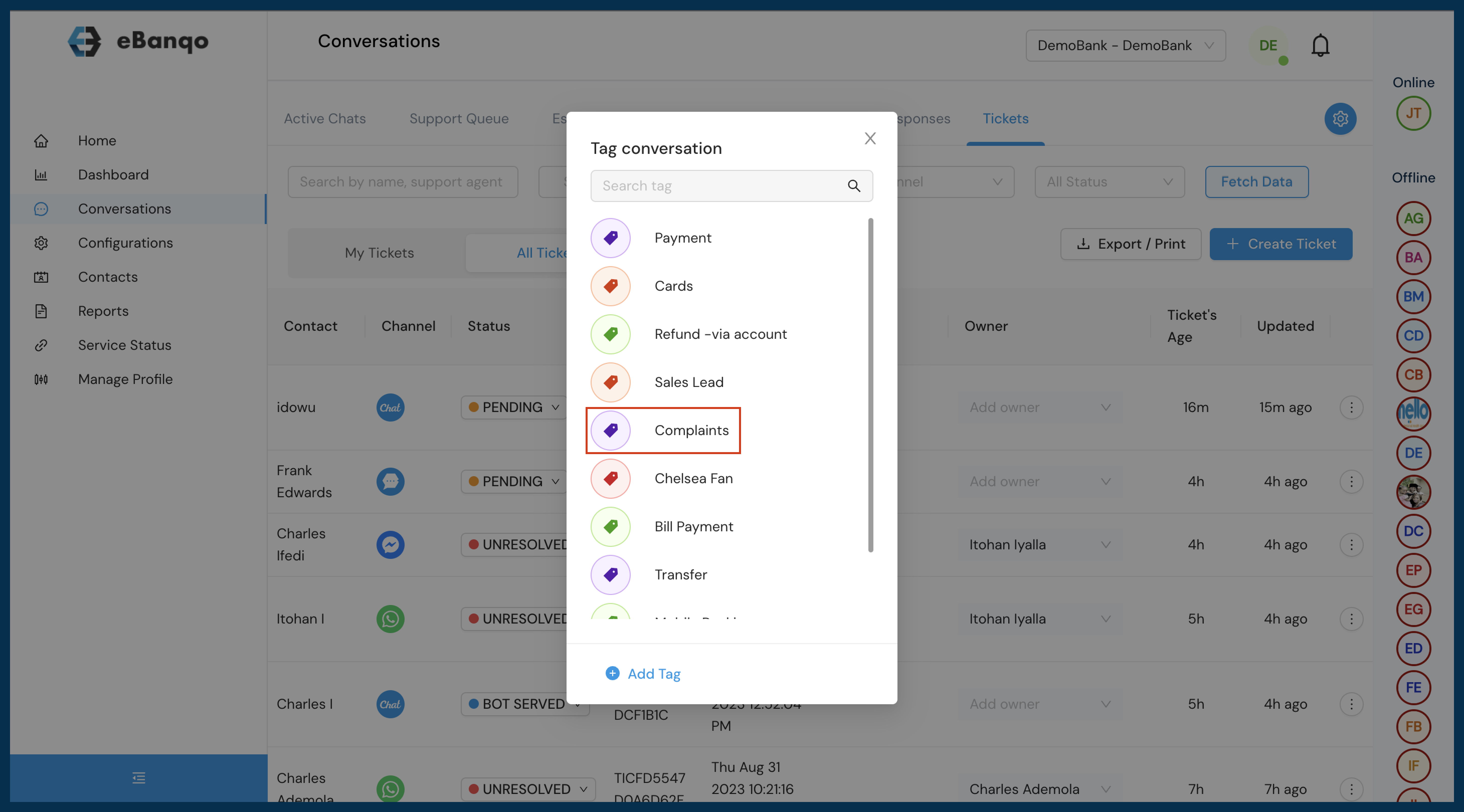
- Apply the tag for easier reference