
Users with permissions are allowed access to Broadcast messages to initiate two-way engagement with customers for promos, feedback, information distribution, OTP authentication, etc.
Types of Broadcast messages:
- Template broadcast messages
- Free Text broadcast messages
Creating Broadcast Message Templates
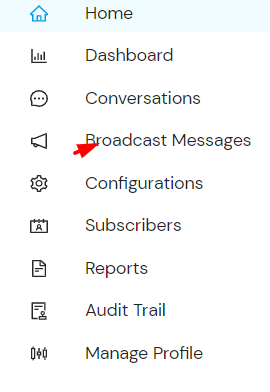
- Go to Broadcast messages on the side menu.
- Select Manage Templates and click on “Add Template”.
- Fill in the provided fields.
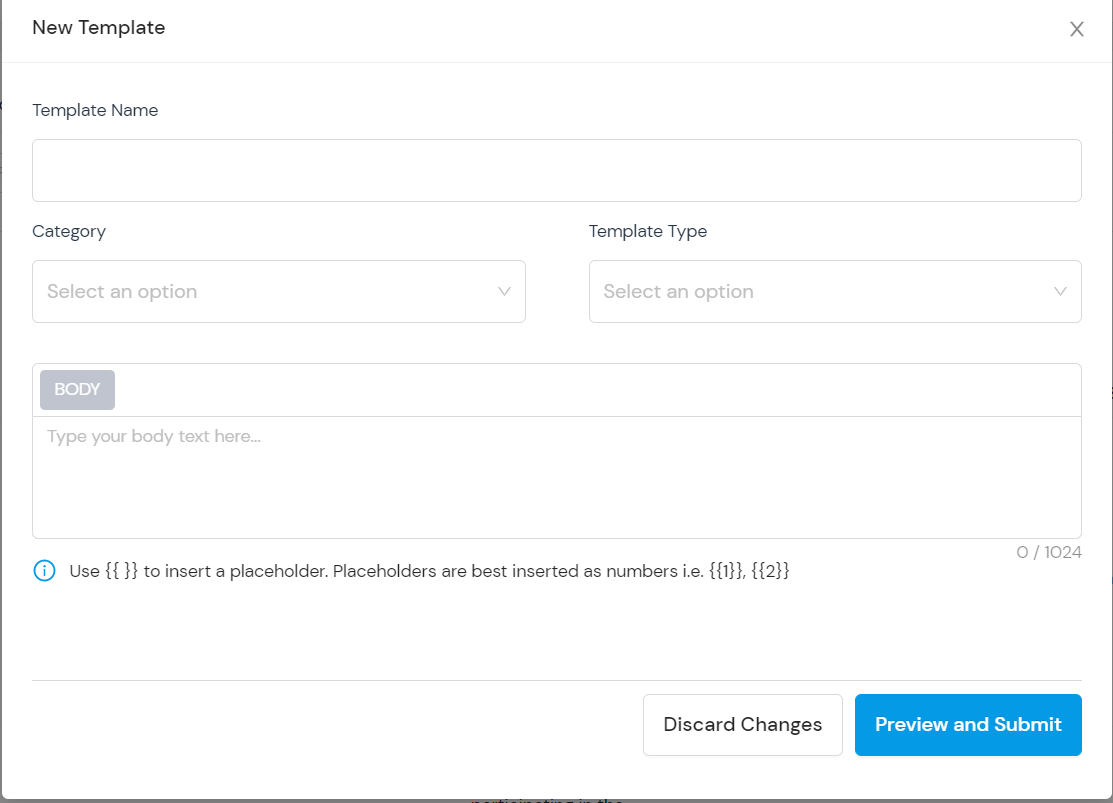
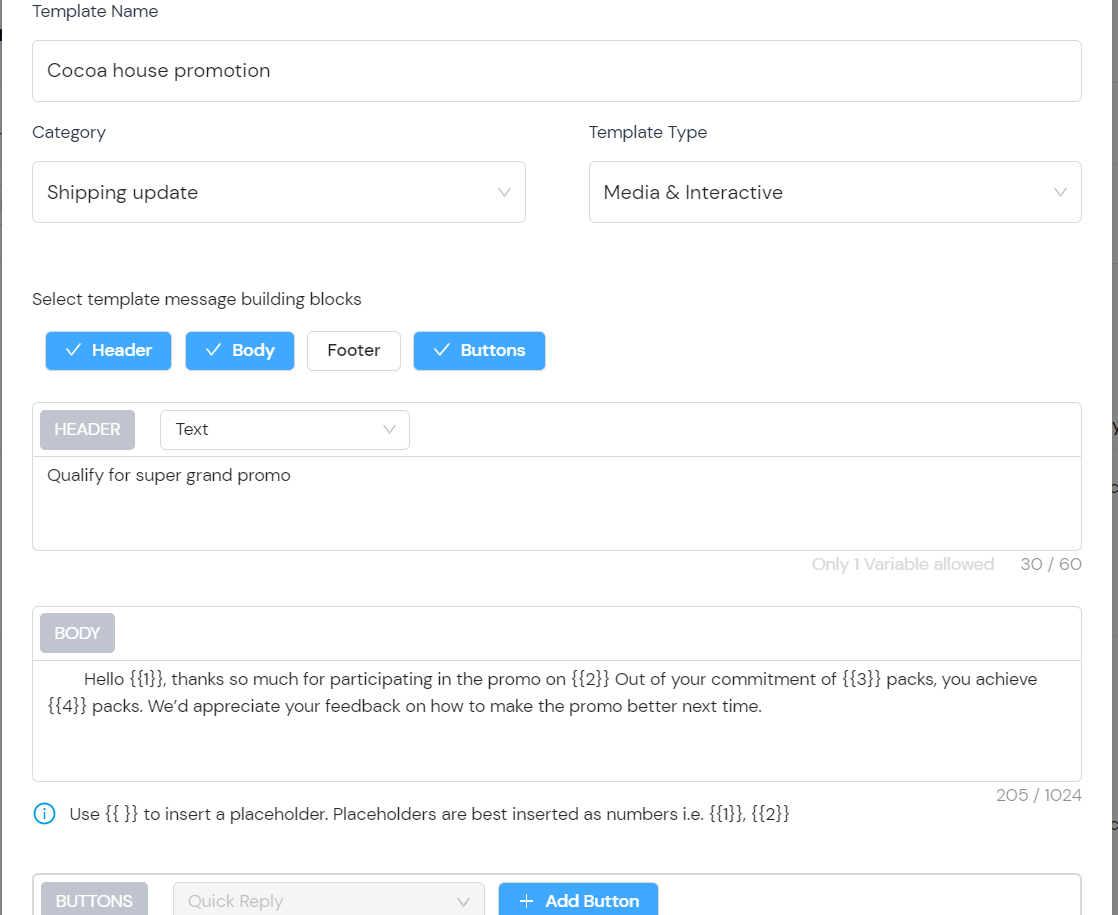
- Select the template category.
- Select the template type (Standard text or Media/Interactive) then preview and submit.
Send Broadcast Message (Free Text)
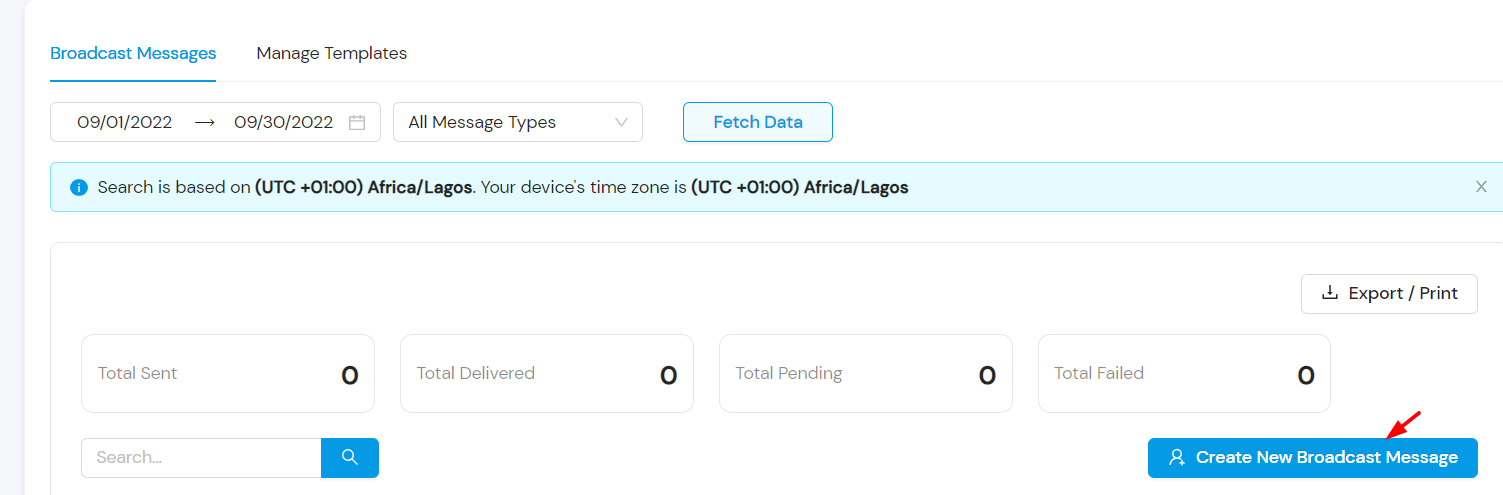
- Go to Broadcast messages.
- Click “Create Broadcast Message”.
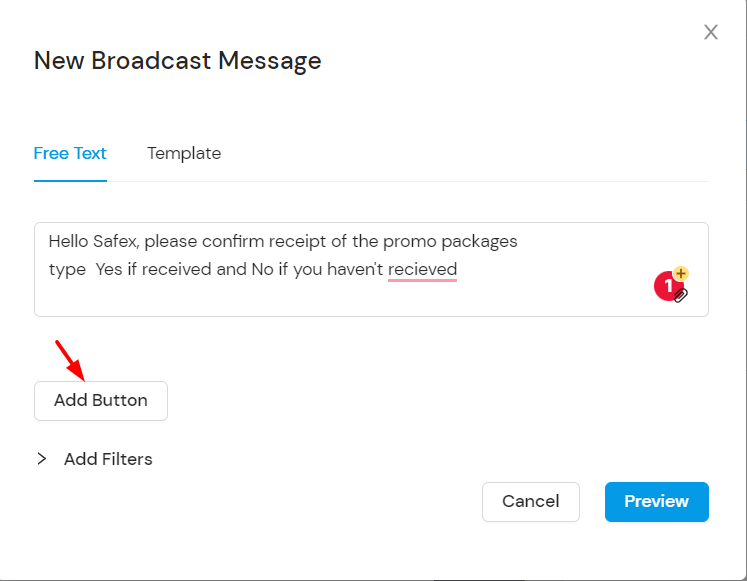
- Select Free Text and insert the message body.
- Add buttons if needed.
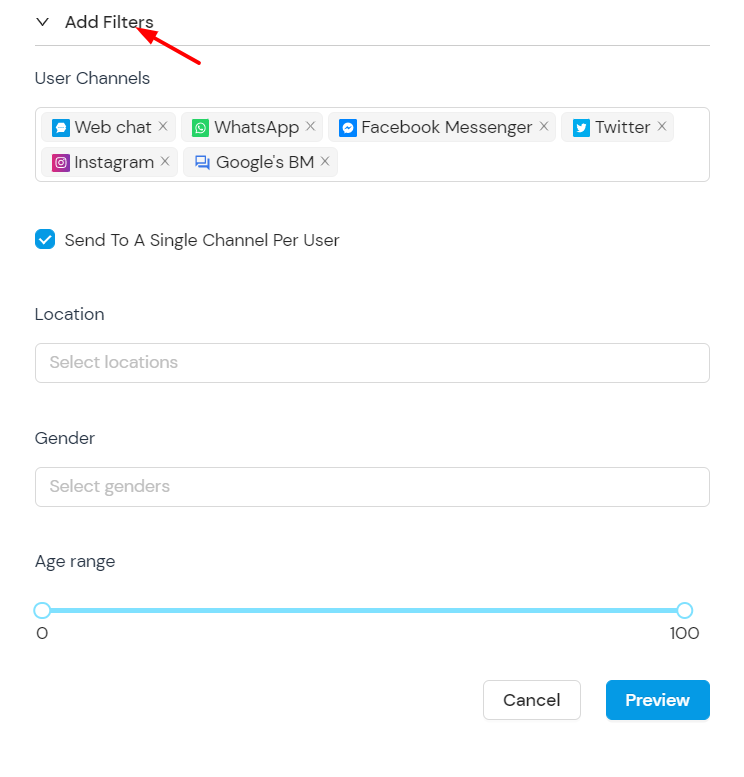
- Add filters like channel, location, gender, or age.
- Preview and submit.
Send Broadcast Message (Template)
- Go to Broadcast messages.
- Click “Create Broadcast Message”.
- Select Template and choose an approved template.
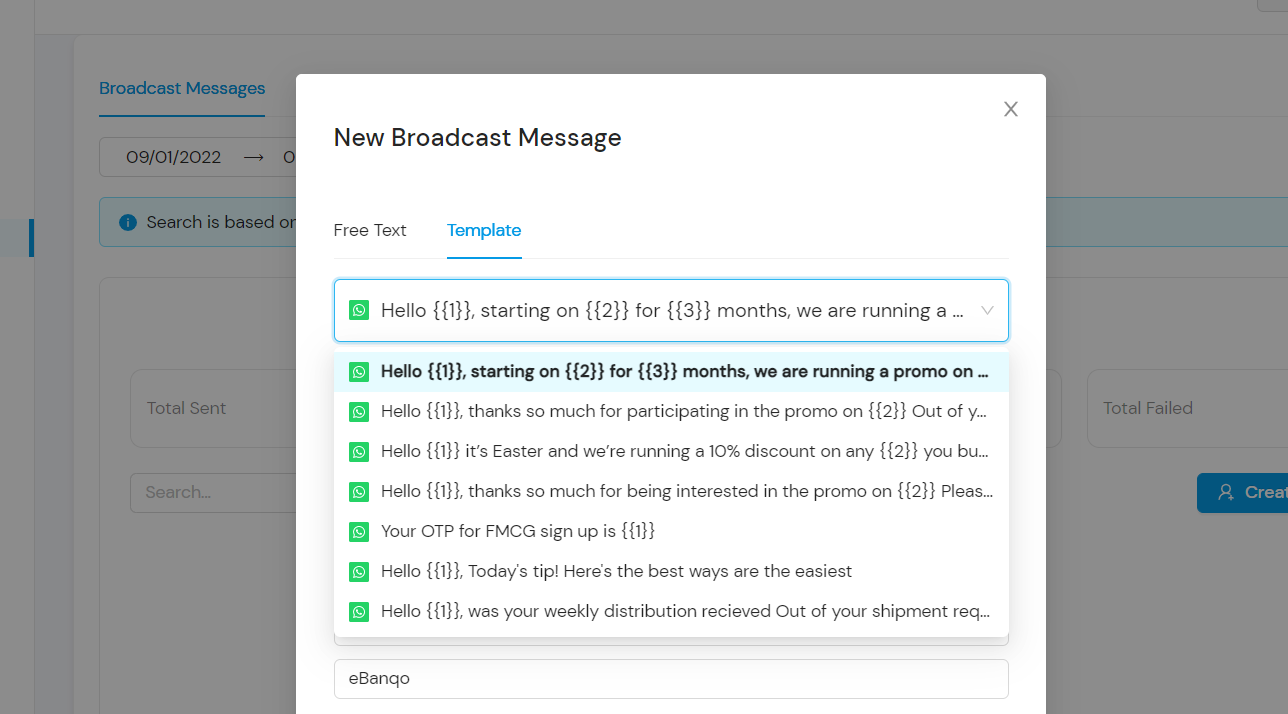
- Insert custom placeholders if required.
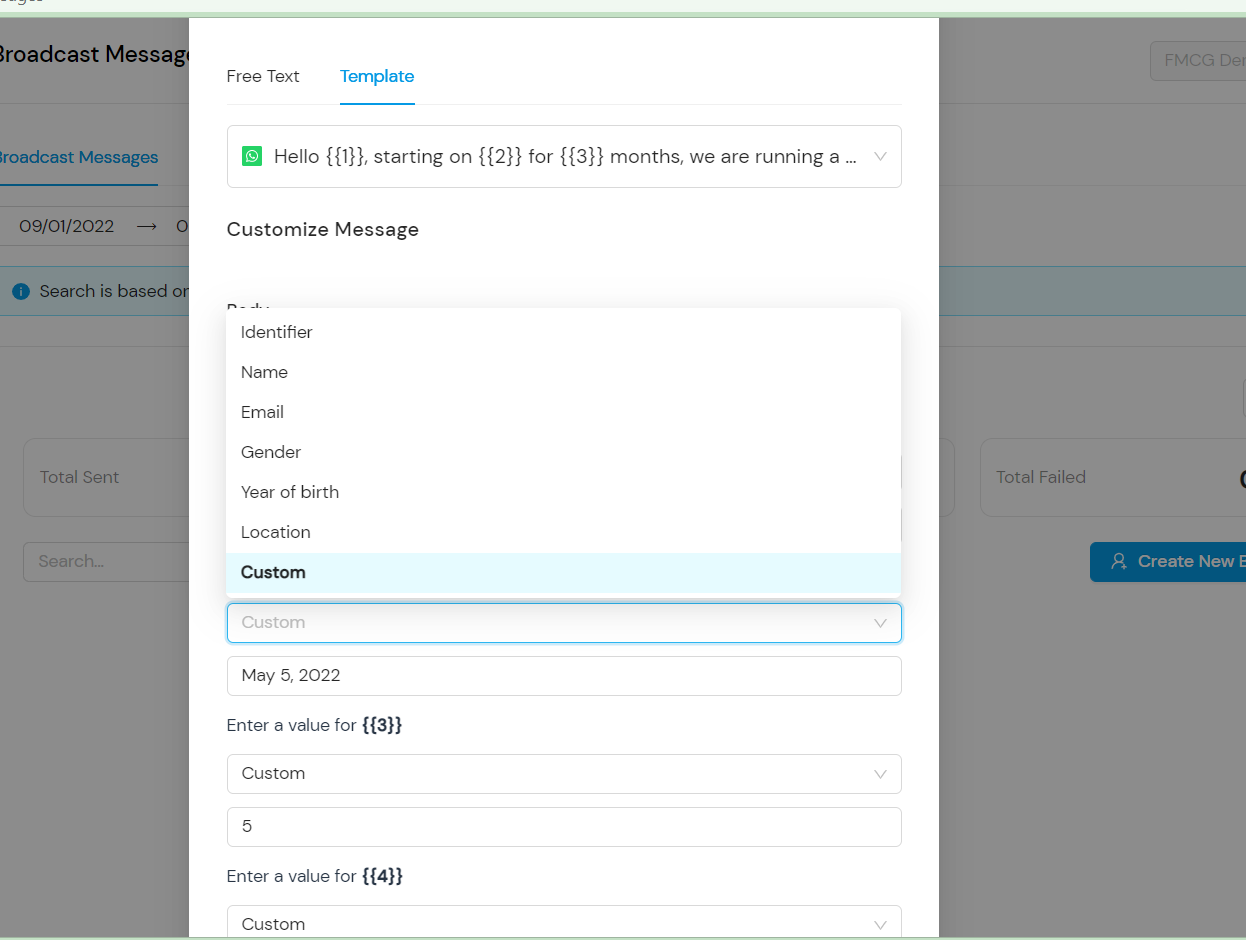
- Add filters if needed.
- Preview and submit.
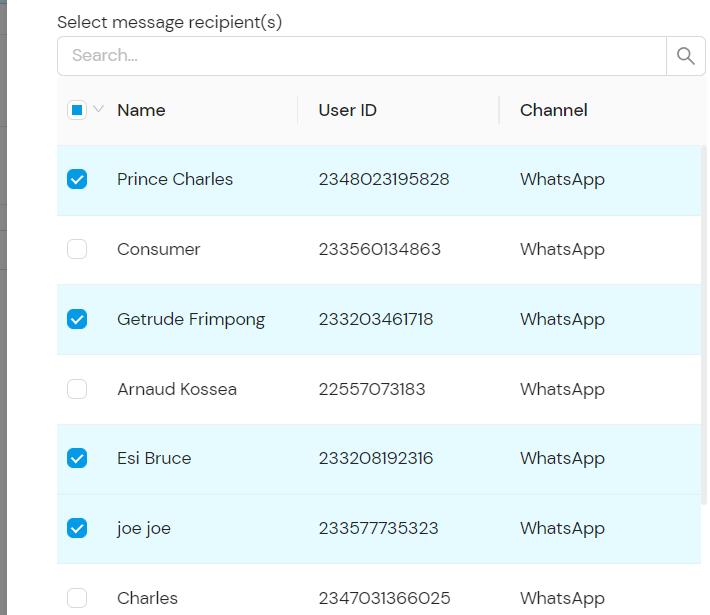
- Select the recipients from the contact list.